
Typewise
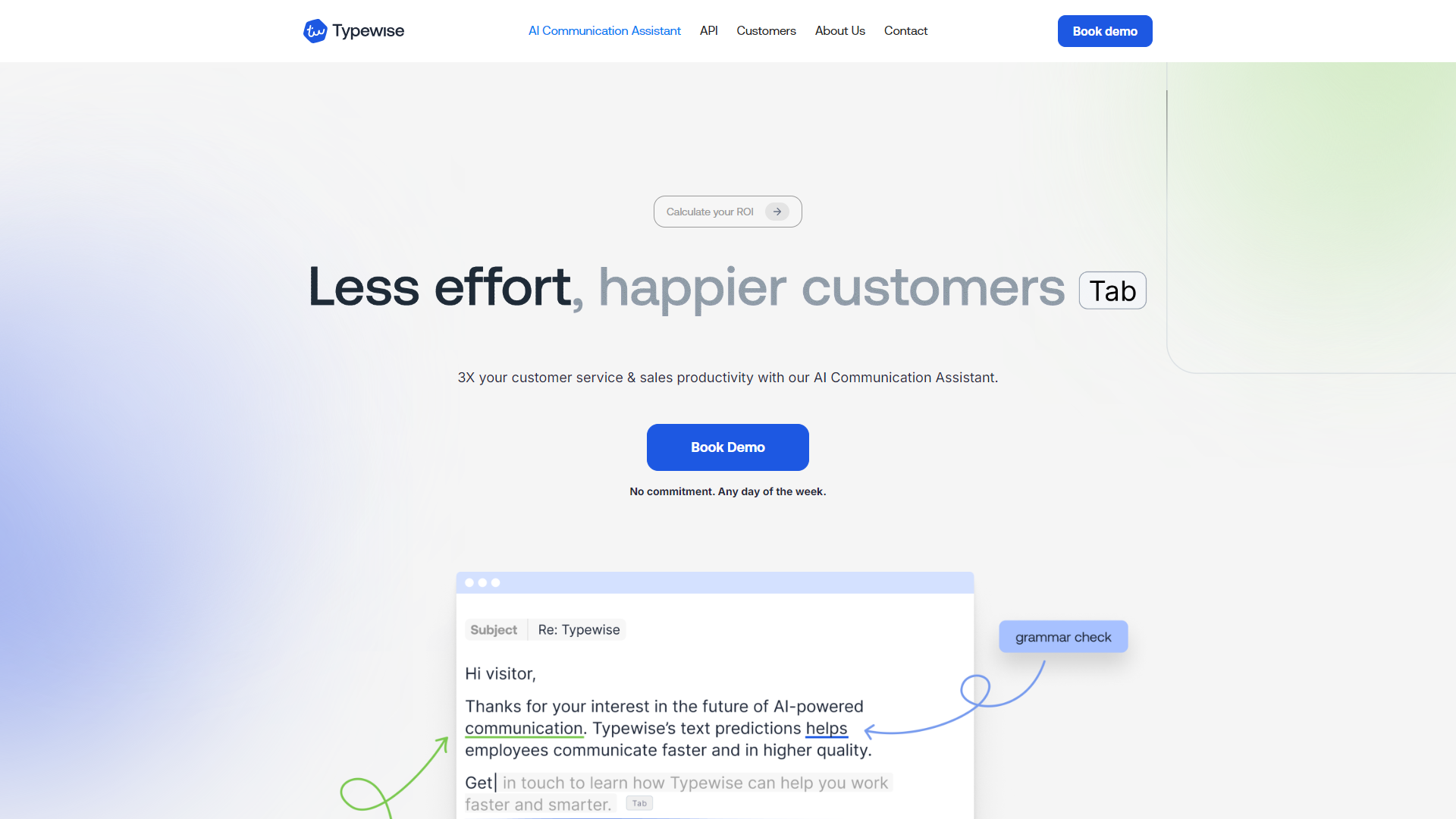
Typewise improves your typing experience on mobile devices.
Overview
Typewise is a keyboard app designed to make typing easier and faster on smartphones. Unlike traditional layouts, Typewise uses a hexagonal design that reduces typos and improves typing speed. It also offers unique features like autocorrect and gesture typing to enhance the user experience.
The app is especially useful for those who often find themselves frustrated with common keyboard layouts. By providing a more comfortable typing experience, Typewise aims to help users communicate more efficiently. It caters to both casual users and professionals, making it versatile for various needs.
Moreover, Typewise focuses on privacy, ensuring that user data remains secure. With customization options and an intuitive interface, it stands out as a reliable choice for anyone looking to improve their mobile typing skills.
Pricing
| Plan | Price | Description |
|---|---|---|
| Enterprise License | Contact Us 50 Seat Per Year | - |
Key features
Hexagonal Layout
The unique hexagonal layout allows for faster typing and fewer typos compared to traditional QWERTY keyboards.
Advanced Autocorrect
Typewise's autocorrect feature learns from your typing habits, making corrections more accurate over time.
Gesture Typing
You can quickly input words with swipe gestures, speeding up the typing process.
Customizable Themes
Users can choose from various themes to personalize their typing experience.
Multiple Language Support
Typewise supports several languages, making it accessible for a global audience.
Privacy Focused
The app does not collect personal data, ensuring user privacy and security.
Offline Use
Typewise works without an internet connection, allowing for seamless typing anywhere.
Easy-to-Use Interface
The app has a user-friendly design that is easy to navigate, making it suitable for all users.
Pros & Cons
Pros
- Fewer Typos
- Faster Typing
- Highly Customizable
- Strong Privacy
- Multi-language Support
Cons
- Learning Curve
- Limited Features in Free Version
- Incompatibility with Some Apps
- Requires Permissions
- Occasional Glitches
Feature Ratings
Based on real user reviews, here's how users rate different features of this product.
Grammar
Checks for grammar errors like misspellings, sentence run-on, etc. This feature was mentioned in 16 Typewise reviews.
Based on 16 reviewsEvaulates emotional tone of words written. This feature was mentioned in 12 Typewise reviews.
Based on 12 reviewsBased on 14 Typewise reviews. Ensures sentences are formatted properly.
Based on 14 reviewsContent
Based on 12 Typewise reviews. Recommends ideas for topics based on the content written.
Based on 12 reviewsBased on 11 Typewise reviews. Generates sentences, paragraphs, or papers based on sample text or a topic.
Based on 11 reviewsProduct Type
As reported in 15 Typewise reviews. Application is available as a plugin used with another document creation product.
Based on 15 reviewsRating Distribution
User Reviews
View all reviews on G2Wonderful time saver built by collaborative Team
What do you like best about Typewise?
It supports our clerk on their daily writing activities. The time saving is measurable and the impact our time to markekt significant. This alone speaks for the product.
What do you dislike about Typewise?
It's a browser extension, which is on one side perfect for most use cases and also my preferred personal way. But it comes with the downside, that it can't be used on native, local apps. Looking into the future I don't think this is an issue, but I think currently a lot of people still use local or native apps.
What problems is Typewise solving and how is that benefiting you?
I makes our clerks work faster, make less mistakes and gives an overall company wide "sound" to each text. This way we make sure we communicate in a harmonized way, regardless of the individual writing to a customer. It also supports us on working with multiple languages.
Makes work so much easier
What do you like best about Typewise?
It makes the life of our agents in the help desk so much easier. we have a big improvment on typing speed and also less typing errors. its also possible to guide agents to adapt a kind of writing style. Our agents are using it on daily basis and they would not l...
quality improvement and efficiency through typwise
What do you like best about Typewise?
Very easy to integrate.
Short instructions for users.
SPOC for Customer Success
Good grammar and spell checking.
Helpful prediction and text modules (snippet) even personalised.
What do you dislike about Typewise?
Works very well in the intended systems. Other ...
Great product, great collaboration!
What do you like best about Typewise?
The collaboration is fast, simple, uncomplicated and is always proactively initiated by them. Suggestions for improvement are always listened to and implemented quickly. In addition, the product can keep pace with the market and is constantly being developed fur...
It does what it is designed to do.
What do you like best about Typewise?
User fiendly, it does what it's supposed to do, plain and simple. Great feature of the translator-on-the-go.
What do you dislike about Typewise?
I wish the predictions were more reactive, sometimes one digits stuff and no suggestions come up. I suppose I would ...
Company Information
Alternative Ai Writing Assistant tools


FAQ
Here are some frequently asked questions about Typewise.
Typewise is a mobile keyboard app designed to improve typing speed and accuracy.
The hexagonal layout allows for easier finger movement and reduces the chance of making mistakes.
Yes, Typewise does not collect any personal user data, ensuring your privacy.
Absolutely! Typewise offers various themes and options for you to personalize your keyboard.
Yes, Typewise supports several languages, making it suitable for diverse users.
Yes, Typewise has a free version, but some advanced features are only available in the premium version.
Yes, Typewise works without an internet connection, so you can use it anywhere.
Typewise offers fewer typos, faster typing, customization options, and strong privacy protection.