
Trinka
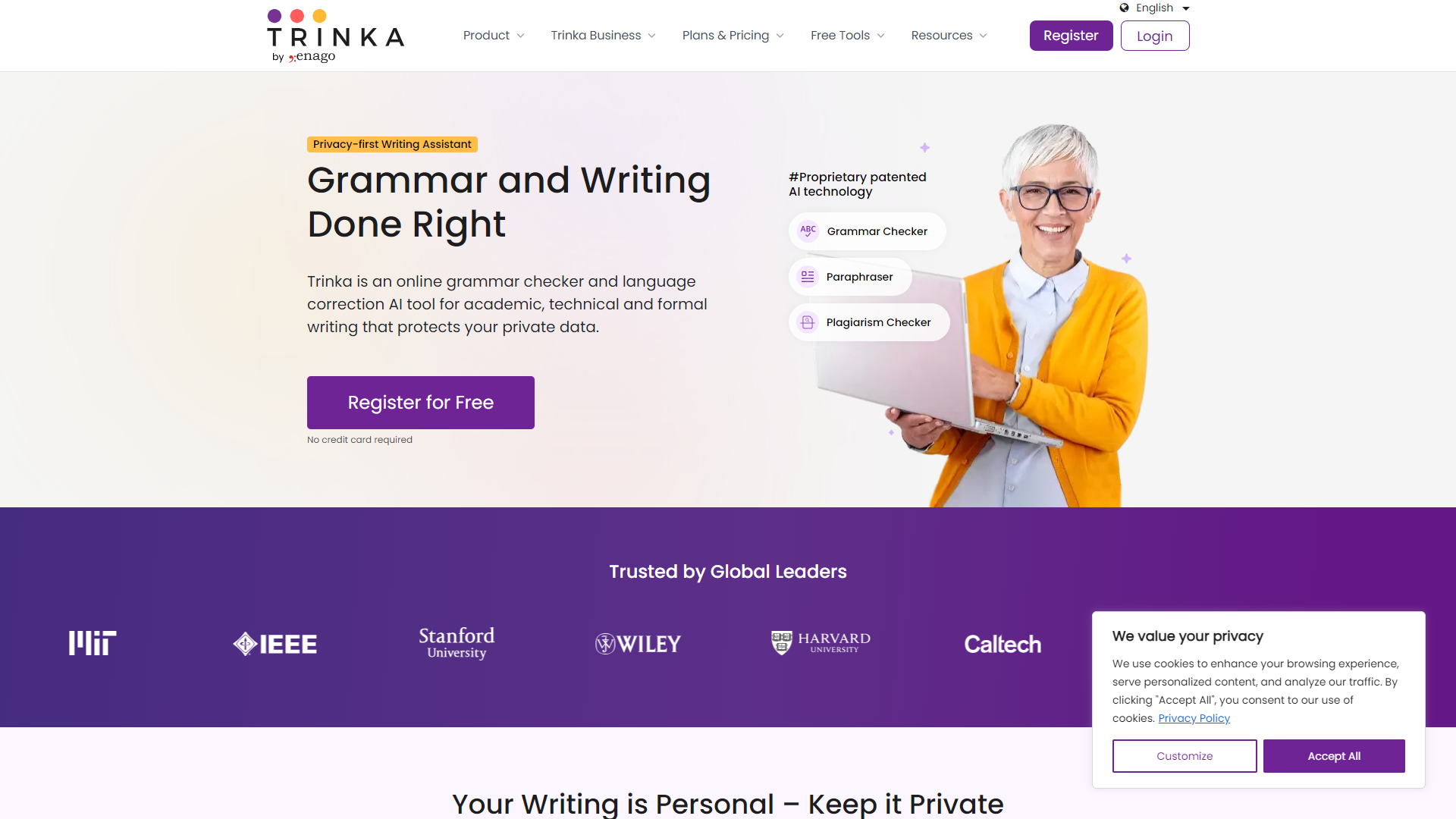
Trinka is a smart writing assistant designed for students and professionals.
Overview
Trinka is an innovative tool that helps users improve their writing skills. It provides real-time grammar and style suggestions that make writing easier and more effective. Whether you're drafting an essay, article, or email, Trinka ensures your text is polished and professional.
The tool is especially useful for non-native English speakers who want to enhance their writing abilities. With features like contextual grammar checks, vocabulary enhancement, and plagiarism detection, Trinka acts as a comprehensive writing companion. It adapts to your writing style, making it suitable for various types of documents.
In addition, Trinka also offers insights into writing tone and clarity. This means users not only avoid mistakes but also learn from their writing process. With an intuitive interface and user-friendly design, Trinka is a must-have for anyone looking to improve their writing.
Pricing
| Plan | Price | Description |
|---|---|---|
| Basic | Free Trial (1 User) | Free |
| Premium - Monthly | $20.00 (1 User Per Month) | - |
| Premium - Annual | $80.00 (1 User Per Year) | $6.67/month ($ 80.00 billed yearly) |
Key features
Real-time grammar check
Trinka alerts you about grammar mistakes as you write, helping you correct them instantly.
Contextual suggestions
The tool provides suggestions based on the context of your writing, enhancing clarity and meaning.
Plagiarism detection
Ensures your work is original by checking for similarities with online content.
Vocabulary enhancement
Trinka suggests better word choices to improve your writing style and impact.
Tone detection
Identifies the tone of your writing and offers adjustments to match your desired style.
Multi-language support
Unlike many writing tools, Trinka supports writing in multiple languages, catering to a global audience.
User-friendly interface
Its simple design makes it easy for users of all ages to navigate and utilize its features.
Integrations
Trinka works well with popular applications like Microsoft Word and Google Docs, allowing seamless writing experience.
Pros & Cons
Pros
- Improves writing skills
- Saves time
- Wide compatibility
- Affordable pricing
- Great for students
Cons
- Limited free version
- Dependent on internet
- Occasional inaccuracies
- Learning curve
- Not comprehensive for complex writing
Feature Ratings
Based on real user reviews, here's how users rate different features of this product.
Database Type
Allows users to create their own database of documents for the plagiarism checker to refer to.
Tool checks for plagiarism against other content on the internet.
Tool checks for plagiarism against the vendor's proprietary database of content.
Tool checks for plagiarism against academic research databases.
Content Features
Provides private cloud storage for content uploaded to the application.
Integrates with content management systems for storage and collaboration.
Provides itemized reports detailing rates of specific types of plagiarism.
Is capable of checking for plagiarism during the writing process in real-time.
Software Type
Software is available as a browser application that doesn't require a download.
Software is available as a downloadable desktop application.
Grammar Tools
As reported in 10 Trinka reviews. Recommends synonyms for typed words.
Based on 10 reviewsProvides alternative sentence phrasings. This feature was mentioned in 10 Trinka reviews.
Based on 10 reviewsProvides a built-in dictonary. This feature was mentioned in 10 Trinka reviews.
Based on 10 reviewsWriting Support
Reads back written text via audio. 10 reviewers of Trinka have provided feedback on this feature.
Based on 10 reviewsAs reported in 10 Trinka reviews. Offers built-in machine translation.
Based on 10 reviewsBased on 10 Trinka reviews. Allow users to create custom style guides widely available across an organization.
Based on 10 reviewsBased on 10 Trinka reviews. Generates reports concerning personal writing habits, common errors, etc.
Based on 10 reviewsSoftware Availability
Software provides a built-in word processor, allowing users to enter text directly into the application. This feature was mentioned in 10 Trinka reviews.
Based on 10 reviewsSoftware integrates with other tools, allow users to utilize its features within other applications. This feature was mentioned in 10 Trinka reviews.
Based on 10 reviewsSoftware is available as a browser plug-in. This feature was mentioned in 10 Trinka reviews.
Based on 10 reviewsRating Distribution
Screenshots
User Reviews
View all reviews on G2Trinka helps in improving quality of content with help of AI
What do you like best about Trinka?
The best part of using trinka is its user interface which simple and intrusive and it is also very simple to learn how it works, other than this it helps in rectifying all the grammatical, palgarism and spelling errors just in seconds also it helps in summarising huge paragraphs into small points for better understanding and clarity.
What do you dislike about Trinka?
One of the main disadvantage that I found after using this tool is that it is not able to identify all the errors of large paragraphs it might be good for small sentences but it needs little more optimisation with error detection also its good for free plan but the premium is very costly.
What problems is Trinka solving and how is that benefiting you?
We have been doing all the content management my business from past 3 years manually one by one with help of our employees. It also saves us a lot of time and money because it has a strong AI that helps in auto error detection. Will recommend it to all looking for a tool for their content optimization.
Efficient and Accurate Grammar Tool for Anyone
What do you like best about Trinka?
It offers suggestions for improving sentence, appropriate words and also Grammar check. Trinka has exposed itself in multiple ways with Browser add ons, MS Word plugin and also it has it's own UI when we can draft our message and readily shows the suggestions. I ...
Lastest tool for best sentences composition
What do you like best about Trinka?
Trinka is a software which can be easily integrated with Microsoft word and it can also function as a browser as it generally helps us in creating best best form of sentences and the quality of content which this software provides is top notch also it has multiple...
Trinka is smartest ai based grammatical enhancer
What do you like best about Trinka?
Trinka is one of the most interesting tool at I ever used to improve our grammatical mistakes we have been using it for more than one year now and the most interesting part of using this platform is that now we are able to write more correct sentences with minimum...
AI-Powered Writing Assistant for Academic Precision
What do you like best about Trinka?
Trinka is focused on an academic and technical writing. Very intuitive user interface. I use it reguralry and I really like that it can be domain specific. Its ability to verify and format references according to academic standards is a very useful feature. Furthe...
Company Information
Alternative Proofreading tools


FAQ
Here are some frequently asked questions about Trinka.
Trinka is a smart writing assistant designed to help users improve their writing skills.
Trinka uses AI technology to analyze your writing in real-time and suggest corrections and improvements.
Yes, Trinka has a built-in plagiarism detector to ensure your work is original.
Absolutely! Trinka is perfect for students looking to enhance their writing and learn new skills.
Trinka offers several pricing plans, including a free version with limited features.
No, you need an internet connection to use Trinka since it is a cloud-based tool.
Yes, Trinka is accessible across multiple devices, including desktops and tablets.
Trinka supports multiple languages, catering to a diverse user base.