
Pixlr
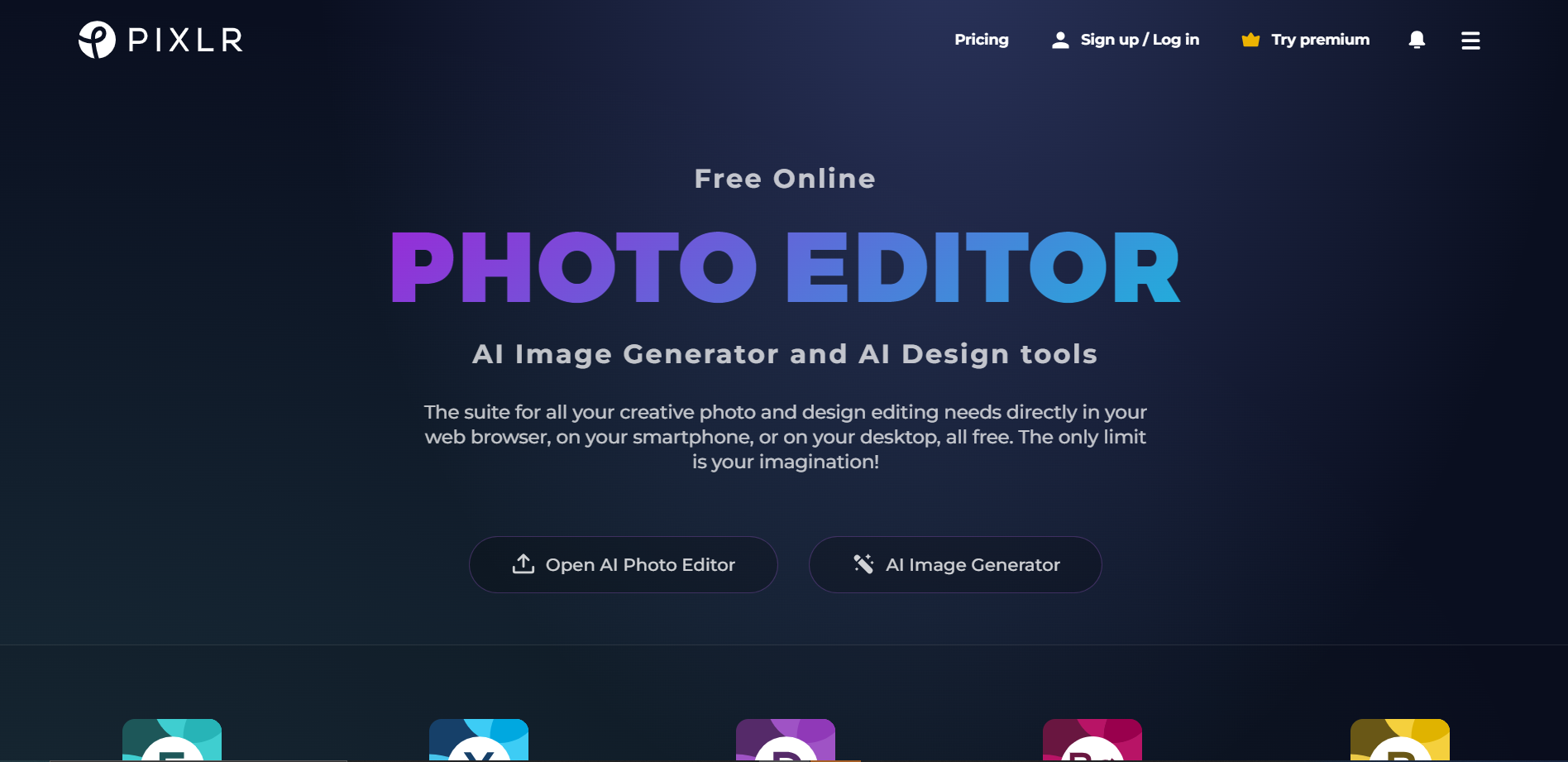
Pixlr is a versatile online photo editing tool that caters to both novice users and professional designers. This cloud-based platform offers a wide array of functionalities that mimic the capabilities of desktop editing software, but with the convenience of access from any device with an internet connection. Pixlr provides two main applications: Pixlr X, which is designed for quick edits and simplicity, and Pixlr E, which offers more advanced features for detailed image manipulation. The interface of Pixlr is user-friendly, allowing users to easily navigate through its comprehensive suite of tools and effects. Users can perform tasks ranging from basic cropping and resizing to complex layering and digital painting. The tool also supports various file formats including PSD (Photoshop), PXD, JPEG, PNG, and many more, making it highly adaptable for different project needs. Additionally, Pixlr includes a vast library of stock images, decorative texts, and stickers that can be used to enhance any project. Whether you're looking to retouch a photo, design a web banner, or create a unique digital artwork, Pixlr provides all the necessary tools to bring your vision to life efficiently and creatively.
Overview
Pixlr is a versatile online photo editing tool that caters to both novice users and professional designers. This cloud-based platform offers a wide array of functionalities that mimic the capabilities of desktop editing software, but with the convenience of access from any device with an internet connection. Pixlr provides two main applications: Pixlr X, which is designed for quick edits and simplicity, and Pixlr E, which offers more advanced features for detailed image manipulation.
The interface of Pixlr is user-friendly, allowing users to easily navigate through its comprehensive suite of tools and effects. Users can perform tasks ranging from basic cropping and resizing to complex layering and digital painting. The tool also supports various file formats including PSD (Photoshop), PXD, JPEG, PNG, and many more, making it highly adaptable for different project needs.
Additionally, Pixlr includes a vast library of stock images, decorative texts, and stickers that can be used to enhance any project. Whether you're looking to retouch a photo, design a web banner, or create a unique digital artwork, Pixlr provides all the necessary tools to bring your vision to life efficiently and creatively.
Pricing
| Plan | Price | Description |
|---|---|---|
| Pixlr Creative Pack | $ 14.99/month Free Access to Stock Content - 10 million Graphics, Templates, Fonts, Photos, Video & 3D files. | Experience ad-free Pixlr with access to more stock content. |
| FREE | ALWAYS FREE | Access to a free version of Pixlr X and Pixlr E |
| PIxlr Premium | $ 4.90/month 30 Day Trial available | Experience ad-free Pixlr |
Key features
Intuitive interface
Easy-to-navigate design helps users quickly find tools and features, enhancing the editing process.
Layer-based editing
Allows for complex adjustments and effects to be applied non-destructively across multiple layers.
AI-powered tools
Enhances photos automatically with advanced artificial intelligence, saving time and improving results.
Extensive toolset
Offers a wide range of editing tools from basic adjustments to sophisticated effects for comprehensive image manipulation.
Cloud storage integration
Enables users to save and access their projects from anywhere, facilitating seamless workflow across devices.
Free and subscription versions
Provides flexible options for users with varying needs, from casual editing to professional-grade features.
Pros & Cons
Pros
- Customizable workspace
- Real-time collaboration
- Extensive file compatibility
- Mobile app availability
- Regular updates
Cons
- Steep learning curve
- Limited free features
- Performance issues
- Ad interruptions
- Internet dependency
Rating Distribution
User Reviews
View all reviews on G2Pixlr experience: quick edits and versatility
What do you like best about Pixlr?
One of the greatest strengths of Pixlr is that it automatically saves the work history, both within the browser and in a downloadable file. I also highlight its diversity of fonts and the free-to-use image bank it offers so I can experiment with different styles and create from scratch something simple, like a logo or a banner, or even more complex projects.
What do you dislike about Pixlr?
The interface is user-friendly, but some of its advanced functions require time to master. Other than that, Pixlr is a great tool for quick and quality edits.
What problems is Pixlr solving and how is that benefiting you?
Pixlr suits my academic and personal project needs, it manages to balance simplicity and functionality. I use it to create presentation banners and convert images to Webp format, ideal for work that requires high visual quality with low file weight. It also allows me to save projects at any time and return to them for further editing.
Best Ai photo editior
What do you like best about Pixlr?
What I love most about Pixlr is its accessibility and ease of use. Whether I'm on my computer or my phone, I can quickly edit photos without needing to download anything, thanks to its web-based platform. The intuitive interface makes it easy to navigate, even if y...
One of the best cloud-based image editing platform
What do you like best about Pixlr?
Pixlr is one of the finest and most versatile cloud-based photo editing platforms which offers a huge range of image editing features on our mobile phones. The interface that Pixlr has makes the experience much better even for new users. We mostly work on
Filters a...
An OG in BG Removal
What do you like best about Pixlr?
I've used this to design a textbook- and mark my words: the cover page came out too good!! I had used just one feature of it, and I was just curious about how it'd turn out- there's a feature where you can expand the existing image by a few pixels, and my word: it ...
Pixlr Review
What do you like best about Pixlr?
It's web-based so it can be accessed from any computer. Pixlr has a user-friendly interface which makes it a good option for beginners. Pixlr offers a free version with some basic editing tools.
What do you dislike about Pixlr?
Pixlr has limited features in the fr...
Company Information
Alternative Ai Graphic Design tools


FAQ
Here are some frequently asked questions about Pixlr.
Pixlr supports a wide range of file formats including JPEG, PNG, GIF, BMP, and TIFF.
Yes, Pixlr offers apps for both Android and iOS devices, allowing you to edit photos on the go.
Yes, Pixlr is suitable for both amateur and professional photo editing, offering a range of advanced tools and features.
Yes, Pixlr supports layer editing, allowing users to create complex images and manipulate multiple layers of graphics.
Pixlr offers both a free version and a premium version. The premium version provides additional features and tools.
Yes, Pixlr offers a variety of tutorials and resources on their website to help beginners learn how to use the tool effectively.
You can save your work in various formats directly from the Pixlr interface by selecting "File" then "Save" and choosing your desired format and quality.
Yes, Pixlr allows you to share your edited images directly to social media platforms such as Facebook, Twitter, and Instagram.