
Overview
Aikiu Studio has redefined the logo creation experience with its latest update, integrating advanced AI technology and automatic vectorization to enhance user-friendliness and efficiency. This innovative platform is designed to simplify the design process, enabling both novices and professionals to produce high-quality logos effortlessly. With its intuitive operation flow, Aikiu Studio ensures a seamless transition from concept to final design, all while maintaining the same affordable pricing.
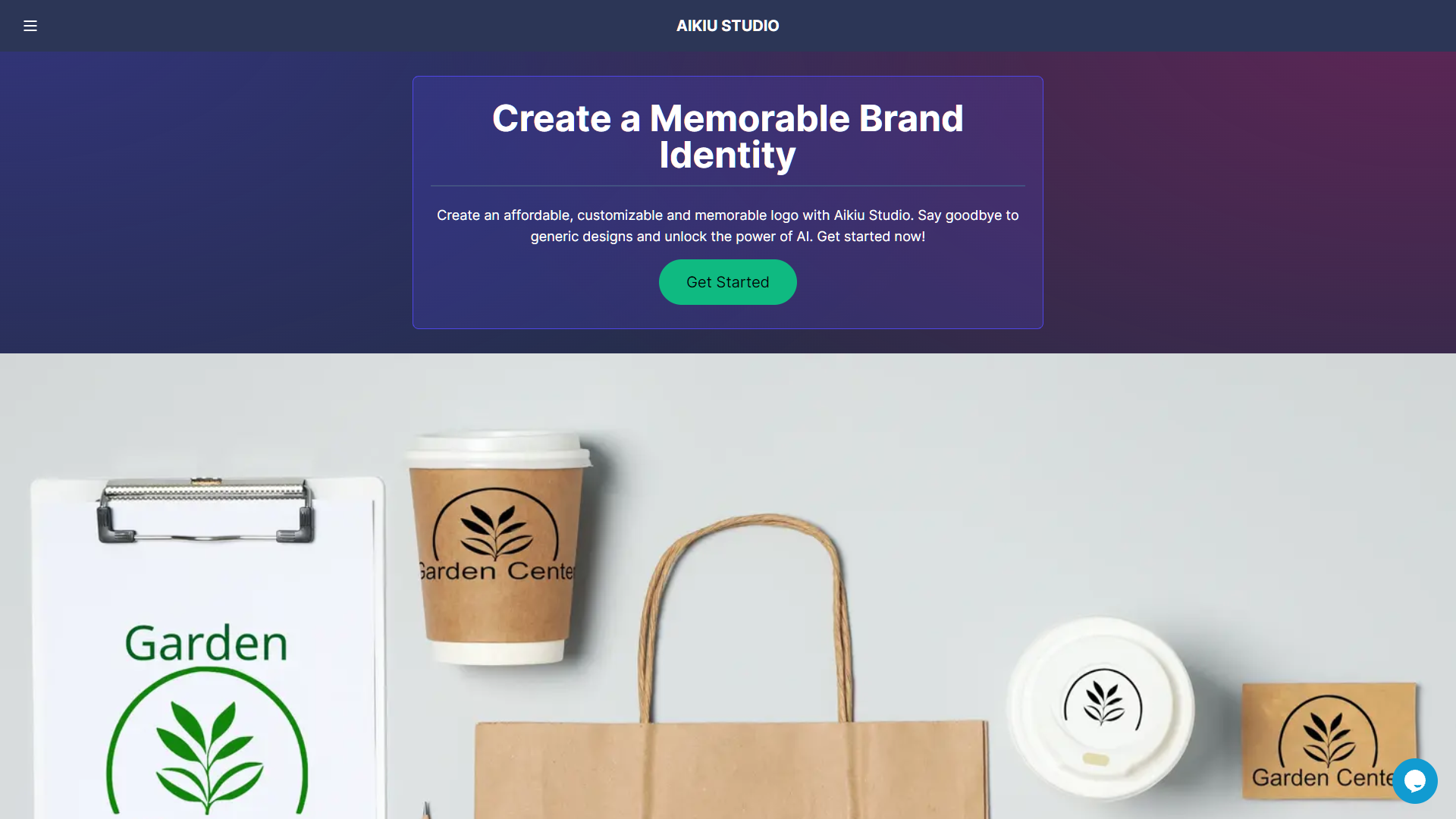
The platform showcases its robust capabilities directly on the homepage, inviting users to explore and experiment with its features firsthand. This approach not only demonstrates the power of the tool but also reassures users of its ease of use and advanced technological backbone. For additional support, Aikiu Studio offers a comprehensive FAQ section that addresses common concerns and queries. Users seeking more personalized assistance can easily contact the support team via email.
Aikiu Studio stands out in the digital design market by combining cutting-edge technology with a user-centric interface. It is an ideal solution for individuals and businesses aiming to streamline their logo design process without compromising on quality or creativity. Whether you're starting a new venture or rebranding, Aikiu Studio equips you with the tools to create impactful logos efficiently.
Key features
Enhanced AI capabilities
Aikiu Studio's upgraded AI technology simplifies the logo design process, making it faster and more intuitive for users of all skill levels.
Automatic vectorization
The platform automatically converts images into vector formats, ensuring high-quality, scalable logos suitable for any use.
User-friendly interface
Aikiu Studio boasts a redesigned interface that enhances user experience by making navigation and operation smoother and more intuitive.
No additional cost
Despite significant upgrades in features and capabilities, Aikiu Studio maintains its original pricing, offering great value.
Interactive showcase
Users can explore the capabilities of Aikiu Studio through an interactive showcase available directly on the homepage.
Comprehensive support
A dedicated FAQ section and accessible email support provide users with assistance and information to enhance their experience.
Pros & Cons
Pros
- Customizable design templates
- Real-time collaboration
- Cloud-based storage
- Extensive font library
- Mobile compatibility
Cons
- Limited customization options
- Dependence on internet
- Generic design elements
- Resource intensive
Company Information
Alternative Ai Graphic Design tools


FAQ
Here are some frequently asked questions about Aikiu Studio.
Aikiu Studio uses AI to analyze design preferences and generate logo concepts that align with current trends and user input, streamlining the design process effectively.
Yes, Aikiu Studio is designed with an intuitive interface that allows beginners to navigate and create logos easily without prior design experience.
Aikiu Studio provides a comprehensive FAQ section for general inquiries and a dedicated email support team for more personalized assistance.
Yes, Aikiu Studio is equipped with advanced features that are suitable for both small startups and large enterprises aiming for high-quality, professional logos.
Automatic vectorization in Aikiu Studio converts raster images into vector formats automatically, ensuring logos are scalable without losing quality.
Aikiu Studio balances advanced features with affordability by optimizing its AI algorithms to reduce operational costs, making high-quality logo design accessible.
Users can view examples of logos directly on the Aikiu Studio homepage, showcasing the tool's capabilities and the variety of styles it can produce.
Creating a logo with Aikiu Studio can be very quick, typically taking just a few minutes to generate initial concepts, thanks to its efficient AI-driven design process.


