
Clipping Magic
Advanced AI image editing, optimization, and enhancement tools.
Overview
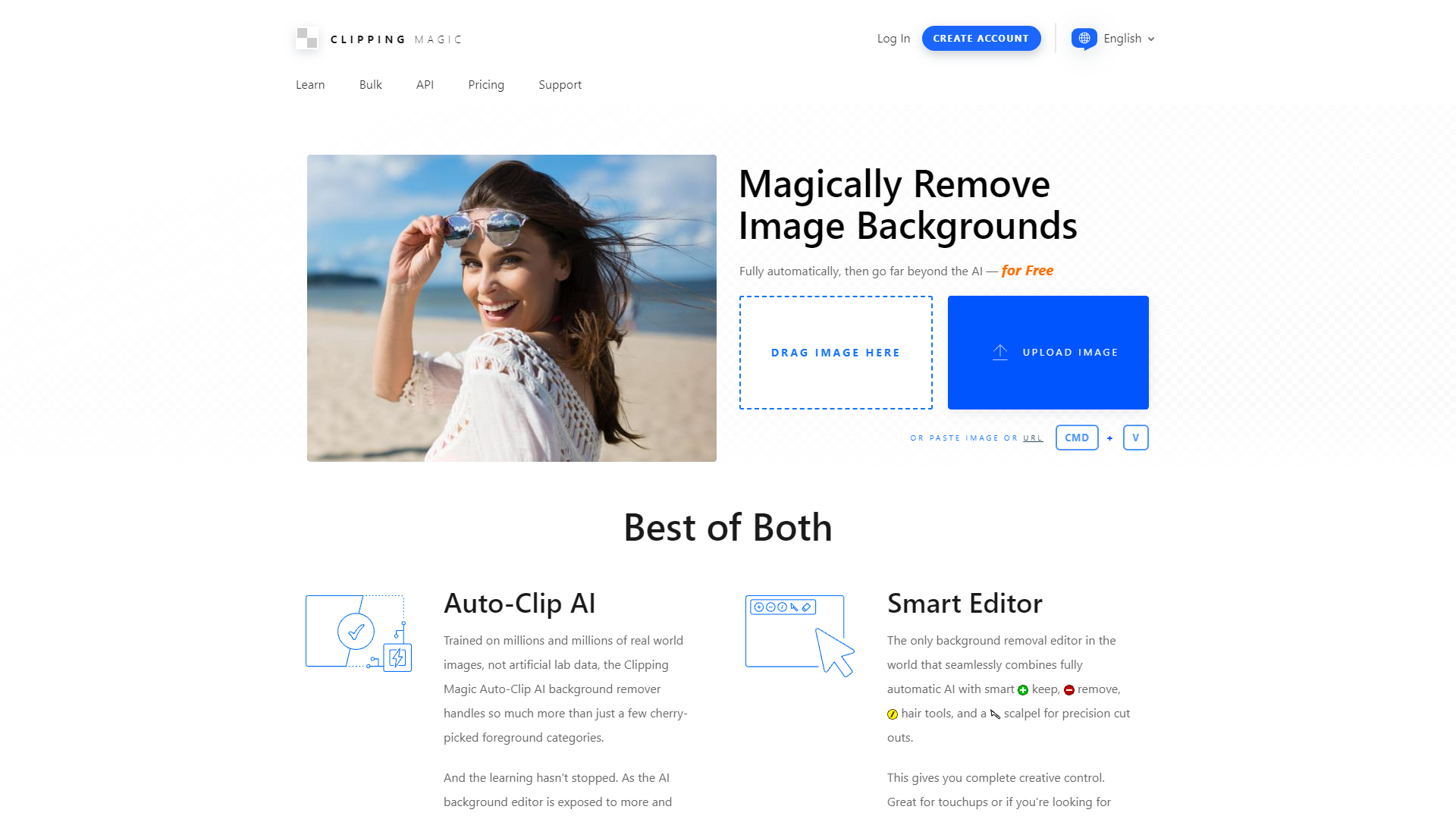
Clipping Magic is a sophisticated AI-powered image editing platform designed to streamline and enhance the process of image manipulation for professionals and enthusiasts alike. This tool excels in advanced tasks such as bulk clipping, precise background removal, and tailored image adjustments, supporting high-resolution images up to 25 megapixels and 30 megabytes. It offers a suite of features including input and export optimizers, the ability to export an alpha channel mask or a clipping path, and sticky settings to ensure consistency across edits.
The platform is not only limited to Clipping Magic but also features additional tools like Vector Magic for bitmap-to-vector transformations, Recompressor for optimizing image file sizes, Pix Fix for repairing compression artifacts, and Pix Spy for detailed pixel analysis. Users benefit from extensive tutorials that cover a range of techniques from hair separation and edge refining to precision cuts, which are particularly useful for e-commerce and clothing product photography.
Clipping Magic also provides detailed support for various file formats, extensive browser compatibility, and customizable image settings such as shadows and reflections. With features like adaptive brush size, pan and zoom, undo/redo options, auto-save, and secure URL generation for sharing, the tool ensures a user-friendly experience while delivering professional-grade results, making it an invaluable resource for e-commerce photography, graphic design, and comprehensive image enhancement.
Key features
Advanced background removal
Utilizes AI to efficiently remove backgrounds from images, ideal for e-commerce and product photography, ensuring clean and professional results.
Bulk clipping capabilities
Supports processing multiple images simultaneously, significantly reducing the time and effort required for large batches of photos.
Export options variety
Offers multiple export formats including alpha channel masks and clipping paths, providing flexibility for different post-processing needs.
Sticky settings feature
Allows users to maintain consistent settings across various images, enhancing workflow efficiency and ensuring uniform output quality.
Comprehensive tutorials available
Includes detailed guides and tutorials on advanced editing techniques like hair separation and edge refining, useful for both beginners and professionals.
Customizable image adjustments
Features extensive color control, shadows, reflections, and adaptive brush sizes, enabling precise and tailored image enhancements.
Pros & Cons
Pros
- Smart edge detection
- Real-time preview
- Scalable processing power
- Integration capabilities
- Cloud-based functionality
Cons
- High system requirements
- Limited offline functionality
- No mobile version
- Complex interface for beginners
- Resource-intensive operations
Rating Distribution
User Reviews
View all reviews on G2Still my favourite background removal tool for images
What do you like best about Clipping Magic?
I've used some of the newer AI-powered background removal tools, but I find myself still going back to Clipping Magic for my day-to-day needs. It's a pretty intuitive interface - either use its auto-clipped version or turn off the auto-clipping if you want to really have full control. I love that I can even edit flyaway strands of hair to stay in the clipped image while removing the entire background behind them.
What do you dislike about Clipping Magic?
It doesn't read my mind. What can I say? So far, I haven't actually found an image I can't tweak for my needs with CM.
What problems is Clipping Magic solving and how is that benefiting you?
I make a lot of content, and a lot of that includes pulling images from multiple sources and combining them in a way that makes sense and really pops on the final design. Clipping Magic makes it SO easy to mix and match and layer multiple images into a finished design.
I use it not just for social media posts, but also for things like creating backgrounds for websites, blog pages, and much more. The more I use it, the more uses I find for it.
The backgrounds disappear in the blink of an eye in a perfect way.
What do you like best about Clipping Magic?
What I like about clipping magic is that with just one click you choose the background and erase it, the finish is totally professional and it looks like there was never anything there, I have tried a variety of tools that make the process complicated but ...
You can get the job done before you know it!
What do you like best about Clipping Magic?
That's right, Clipping magic is the best tool I have personally tested to remove backgrounds from any kind of image, the ease with which clipping magic removes backgrounds from images makes the task a joke, it's unbelievable and incredible how easy it is t...
It is one of the most viable solutions on the market.
What do you like best about Clipping Magic?
I love Clipping Magic because it is an incredible platform, with a very intuitive design that is very easy to operate and that gives me extremely professional finishes in the image, without the need to resort to Photoshop that although it is the best progr...
Excellent finish on the images surpassing more powerful software.
What do you like best about Clipping Magic?
My work requires a high quality image and a good finish and there are tools like photoshop that help me make these professional finishes but there is something that is very tedious to do with photoshop and is to delete the backgrounds of the images, clippi...
Company Information
Alternative Ai Image Generator tools


FAQ
Here are some frequently asked questions about Clipping Magic.
Clipping Magic supports high-resolution images up to 25 megapixels and file sizes up to 30 megabytes, accommodating a wide range of professional needs.
Clipping Magic provides extensive tutorials covering various techniques including hair separation, edge refining, and precision cuts, suitable for both beginners and advanced users.
Clipping Magic features sticky settings that maintain your adjustments across different images, ensuring consistency and saving time in bulk editing tasks.
Clipping Magic supports a variety of file formats, ensuring compatibility and ease of use across different platforms and professional requirements.
Yes, Clipping Magic uses advanced AI algorithms to automatically remove backgrounds, making it ideal for creating clean, professional-looking photos.
Besides background removal, Clipping Magic includes Vector Magic for bitmap-to-vector transformations, Recompressor for file size optimization, Pix Fix for fixing compression artifacts, and Pix Spy for pixel analysis.
Yes, Clipping Magic allows users to export images with an alpha channel mask or a clipping path, providing flexibility for further processing or integration into other projects.
Clipping Magic offers tailored image adjustments, including the addition of shadows and reflections, which are particularly useful for enhancing the presentation of e-commerce and clothing product photography.