
Adobe Photoshop Generative Fill
Adobe Photoshop's Generative Fill tool is a cutting-edge feature designed to enhance the capabilities of digital artists and photographers by allowing them to seamlessly fill in or replace parts of an image using advanced AI technology. This tool intelligently analyzes the surrounding areas of the selected portion to ensure that the fill is consistent with the overall context of the image, making it ideal for complex edits such as removing unwanted objects, repairing damaged photos, or creatively altering compositions. The Generative Fill operates within Photoshop's robust ecosystem, leveraging layers and selections to provide users with precise control over their edits. Users can adjust the extent and manner in which the fill interacts with the rest of the image, ensuring that the final output is both natural and in line with their artistic vision. This feature is particularly useful for professionals in graphic design, photography, and digital art who require a high level of detail and realism in their work. Moreover, the tool is user-friendly, integrating seamlessly into the existing Photoshop interface. It supports a variety of file formats and works efficiently with other Photoshop tools, making it a versatile addition to any digital artist's toolkit. Whether you're retouching photos or crafting entirely new images, Adobe Photoshop's Generative Fill provides a powerful solution for creative image manipulation.
Overview
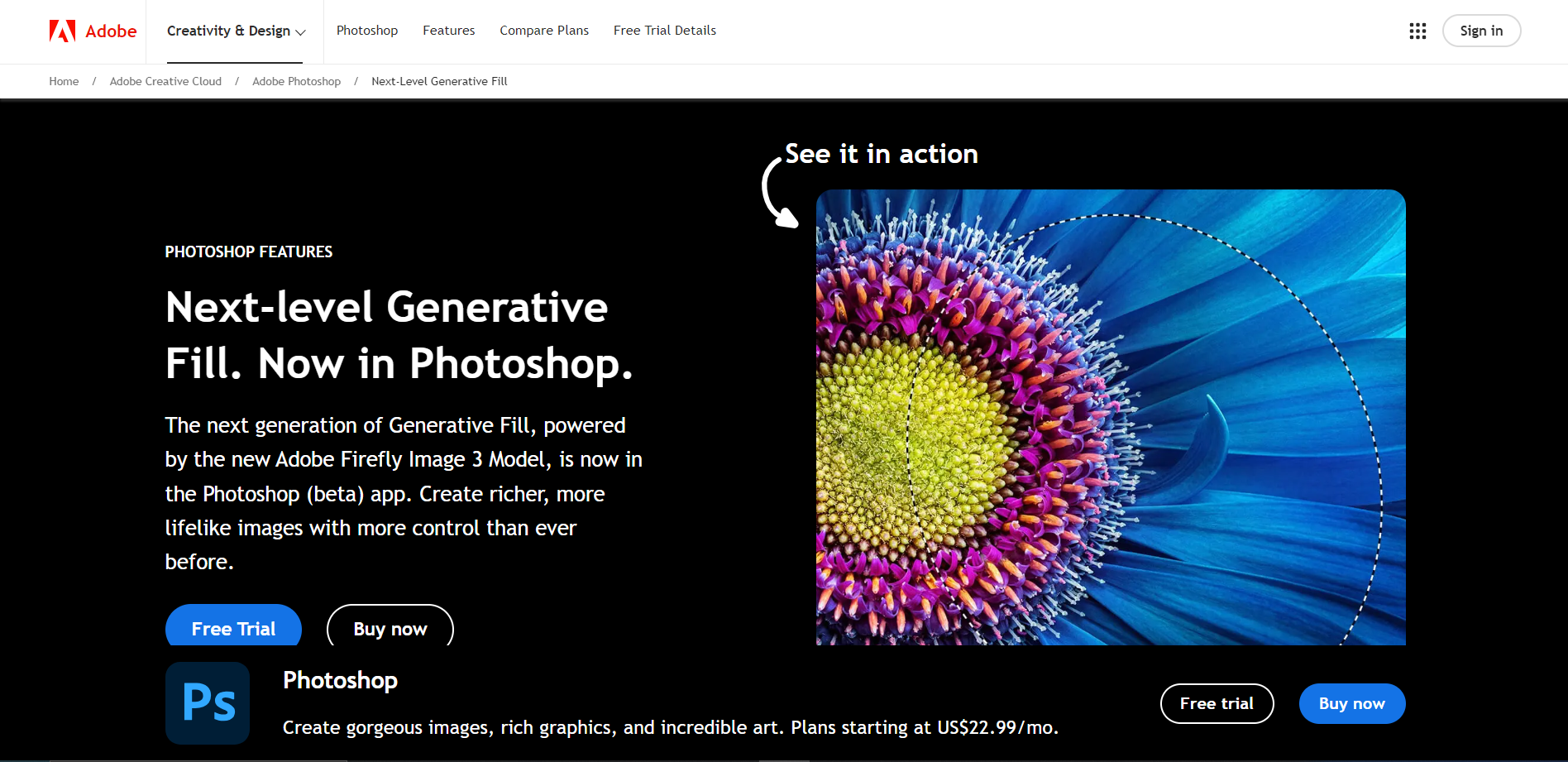
Adobe Photoshop's Generative Fill tool is a cutting-edge feature designed to enhance the capabilities of digital artists and photographers by allowing them to seamlessly fill in or replace parts of an image using advanced AI technology. This tool intelligently analyzes the surrounding areas of the selected portion to ensure that the fill is consistent with the overall context of the image, making it ideal for complex edits such as removing unwanted objects, repairing damaged photos, or creatively altering compositions.
The Generative Fill operates within Photoshop's robust ecosystem, leveraging layers and selections to provide users with precise control over their edits. Users can adjust the extent and manner in which the fill interacts with the rest of the image, ensuring that the final output is both natural and in line with their artistic vision. This feature is particularly useful for professionals in graphic design, photography, and digital art who require a high level of detail and realism in their work.
Moreover, the tool is user-friendly, integrating seamlessly into the existing Photoshop interface. It supports a variety of file formats and works efficiently with other Photoshop tools, making it a versatile addition to any digital artist's toolkit. Whether you're retouching photos or crafting entirely new images, Adobe Photoshop's Generative Fill provides a powerful solution for creative image manipulation.
Key features
Intuitive interface
Designed for ease of use, allowing users to quickly understand and manipulate complex tools.
Advanced layering system
Provides robust control over image manipulation and organization for complex projects.
Real-time editing
Offers immediate feedback on changes, enhancing efficiency and workflow in image editing.
Extensive toolset
Includes a wide range of tools for retouching, painting, and drawing to cater to all levels of expertise.
Customizable workspace
Allows users to tailor the layout to fit their specific needs and preferences, improving productivity.
Cloud connectivity
Enables easy access and sharing of files across different devices, facilitating collaboration.
Pros & Cons
Pros
- Seamless integration
- High-resolution support
- Extensive file compatibility
- Advanced color management
- Regular updates
Cons
- Steep learning curve
- High subscription cost
- Resource intensive
- Limited file compatibility
- Overwhelming updates
Alternative Ai Image Generator tools


FAQ
Here are some frequently asked questions about Adobe Photoshop Generative Fill.
Adobe Photoshop Generative Fill is a feature within Adobe Photoshop that uses AI technology to intelligently fill in areas of an image based on the surrounding content, making it ideal for tasks like removing objects or repairing images.
Yes, Adobe Photoshop Generative Fill can be used to remove both small and large objects from a photo. The tool analyzes the surrounding pixels to fill in the space left by the removed object seamlessly.
Yes, within the Content-Aware Fill workspace, you can adjust various settings such as Color Adaptation, Rotation Adaptation, and Scale to refine how the fill is generated and ensure it blends smoothly with the rest of the image.
If Adobe Photoshop Generative Fill does not produce the desired results, you can try adjusting the selection or the settings in the Content-Aware Fill panel. Alternatively, using other Photoshop tools like the Clone Stamp or Healing Brush may provide better control for complex edits.
To access Adobe Photoshop Generative Fill, select the area you want to fill using any selection tool, then go to Edit > Content-Aware Fill. In the Content-Aware Fill panel, you can choose the Generative Fill option to apply the feature.
Adobe Photoshop Generative Fill is particularly useful for graphic design, photo editing, and restoration projects where you need to remove unwanted elements, fill in missing parts, or clean up images.
Adobe Photoshop Generative Fill works on a wide range of images, but its effectiveness can depend on the complexity and texture of the background. Images with simpler, more uniform backgrounds typically yield better results.
Yes, Adobe offers tutorials and guides on their official website and YouTube channel. These resources provide step-by-step instructions and tips on how to effectively use Adobe Photoshop Generative Fill and other Photoshop features.


