
Adobe Firefly
Adobe Firefly is an innovative tool designed to enhance the creative capabilities of designers and artists through the power of generative AI. This tool is integrated within Adobe's Creative Cloud suite, allowing users to seamlessly incorporate AI-generated elements into their projects. Adobe Firefly excels in creating unique, customizable assets such as textures, patterns, and complex design elements that can be tailored to fit specific artistic visions. One of the standout features of Adobe Firefly is its intuitive interface, which is accessible to both professionals and hobbyists alike. Users can easily input parameters and guide the AI to produce results that are not only high quality but also align closely with their creative goals. The tool leverages Adobe's vast database of artistic components, ensuring that each output is both original and aesthetically pleasing. Moreover, Adobe Firefly is built with efficiency in mind, significantly reducing the time and effort required to generate intricate designs. This allows creatives to focus more on the conceptual aspects of their work, rather than the manual creation of each component. Overall, Adobe Firefly represents a significant step forward in the integration of AI technology within the creative industry, offering a powerful tool for innovation and design.
Overview
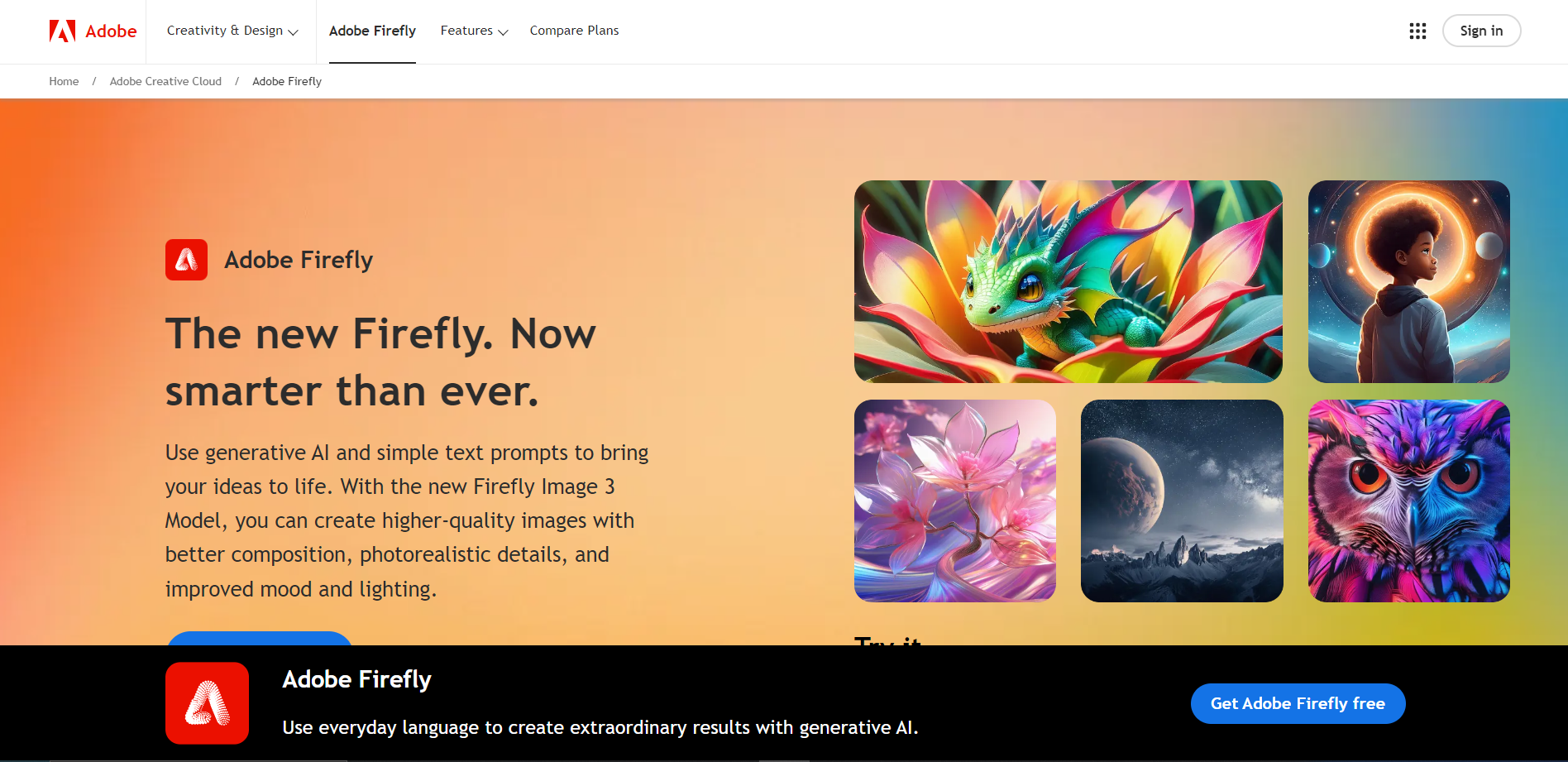
Adobe Firefly is an innovative tool designed to enhance the creative capabilities of designers and artists through the power of generative AI. This tool is integrated within Adobe's Creative Cloud suite, allowing users to seamlessly incorporate AI-generated elements into their projects. Adobe Firefly excels in creating unique, customizable assets such as textures, patterns, and complex design elements that can be tailored to fit specific artistic visions.
One of the standout features of Adobe Firefly is its intuitive interface, which is accessible to both professionals and hobbyists alike. Users can easily input parameters and guide the AI to produce results that are not only high quality but also align closely with their creative goals. The tool leverages Adobe's vast database of artistic components, ensuring that each output is both original and aesthetically pleasing.
Moreover, Adobe Firefly is built with efficiency in mind, significantly reducing the time and effort required to generate intricate designs. This allows creatives to focus more on the conceptual aspects of their work, rather than the manual creation of each component. Overall, Adobe Firefly represents a significant step forward in the integration of AI technology within the creative industry, offering a powerful tool for innovation and design.
Key features
Intuitive design interface
Offers a user-friendly platform that simplifies the creation of digital designs and multimedia content.
Rich media compatibility
Supports various file types including images, videos, and audio for comprehensive multimedia projects.
Real-time collaboration
Enables multiple users to work simultaneously on a project with live updates and shared access.
Extensive template library
Provides a wide range of customizable templates to jumpstart the design process for users at any skill level.
Cloud-based functionality
Allows users to access and edit their projects from any device, ensuring flexibility and mobility.
Advanced editing tools
Features powerful tools for detailed and precise editing, catering to both novice and professional designers.
Pros & Cons
Pros
- Scalable project management
- Seamless integration capabilities
- Customizable user interface
- Automated design features
- Interactive content creation
Cons
- Steep learning curve
- Limited free version
- Resource intensive
- Compatibility issues
- Subscription model
Feature Ratings
Based on real user reviews, here's how users rate different features of this product.
Image Generation
Utilizes artificial intelligence algorithms to generate high-quality images.
Generate images based on specific text prompts or keywords.
Provides customization options for users to control the style, composition, or color palette of the generated images.
Gives the user the ability to specify the level of chaos or variation in the generated images.
Supports different aspect ratios for image generation.
Advanced Functionality
Provides tools for adjusting the balance between image prompts and text prompts.
Provides negative prompting features to remove specific elements, such as plants, from the generated images.
Gives the user the ability to specify a seed number for consistent image generation.
Produces high quality images.
Model
Has options available to switch between different image generation models.
Has options to add or select image styles.
Generates seamless tileable images for creating patterns or textures.
Rating Distribution
User Reviews
View all reviews on G2Generating Images with Adobe Firely Review using AI
What do you like best about Adobe Firefly?
Adobe Firefly is a generative AI tool that can help creatives expand their natural creativity. It's designed to be safe for commercial use and can be used as a stand alone web app or embedded in Adobe Creative Cloud App.
Some of the best features of Adobe Firefly : Generative AI, Commercially Safe, Easy to use, Reference Images, Multiple Content Types, Edit Integrates with Adobe Creative Cloud.
What do you dislike about Adobe Firefly?
Issues with generating realistic human images, difficulty following comlplex scene instructions, limitations in image quality, Copyright concerns about AI generated content, concerns about replacing humanartists with AI, lack of fine grained control over generate images
What problems is Adobe Firefly solving and how is that benefiting you?
Adobe Firefly solves problems by using gnerative AI technology to create and edit images based on text prompts, allowing users to quickly generate visual content for various design needs, like generating ideas for a new product
Amazing! Save so much time and the creative outlet is endless
What do you like best about Adobe Firefly?
Quick, easy to use and gives you multiple options when ai image generating. The new AI tool is incredible.
What do you dislike about Adobe Firefly?
Sometimes not always accurate for the AI image output.
What problems is Adobe Firefly solving and how is th...
So much easier and quicker to do things
What do you like best about Adobe Firefly?
It is so easy to use and really user friendly. There's a lot of options you can select in terms of how you'd like your image to look so if you wanted it a particular style, they're all there. I tend to use it weekly if not a couple of times a week and I've ...
One small prompt for me, one massive leap forward for AI
What do you like best about Adobe Firefly?
I like how you can use Firefly for free to create all kinds of images, almost anything you can dream, the tool can create. Compared to other similar tools, I really like how you can re-style the images in with pre-set filters, or fully customize the variati...
Dall-E was great, Midjourney is amazing but Firefly is on another level...
What do you like best about Adobe Firefly?
The integration with Photoshop allowing to replace certain sections only, the way to increase the size of a picture and automatically add the fill for that, is just so amazing... and if we need a complete image created from scratch we also have that support...
Company Information
Alternative Ai Image Generator tools


FAQ
Here are some frequently asked questions about Adobe Firefly.
Adobe Firefly is a creative tool developed by Adobe that utilizes artificial intelligence to assist users in generating and editing digital content such as images, graphics, and designs.
Adobe Firefly offers features like AI-powered image generation, content-aware editing, style transfer, and other advanced editing tools that leverage Adobe's AI technology to enhance creative workflows.
Yes, content created with Adobe Firefly can be used for commercial purposes, but it's important to review Adobe's licensing agreements to ensure compliance with their terms of service.
Adobe Firefly supports a variety of file formats including JPEG, PNG, SVG, and more, making it versatile for different types of digital content creation.
Adobe Firefly can be accessed through Adobe's Creative Cloud subscription. Users need to have an active subscription to use Adobe Firefly along with other Adobe Creative Cloud applications.
Yes, Adobe Firefly is designed to be user-friendly for beginners while also providing powerful tools that professionals can utilize to streamline their creative processes.
Yes, Adobe Firefly is integrated with other Adobe Creative Cloud applications, allowing for seamless workflow and collaboration across different Adobe tools.
Adobe Firefly uses AI to analyze images and design elements, offering suggestions and automations for improvements and alterations, which helps users achieve high-quality results more efficiently.


