
Encord
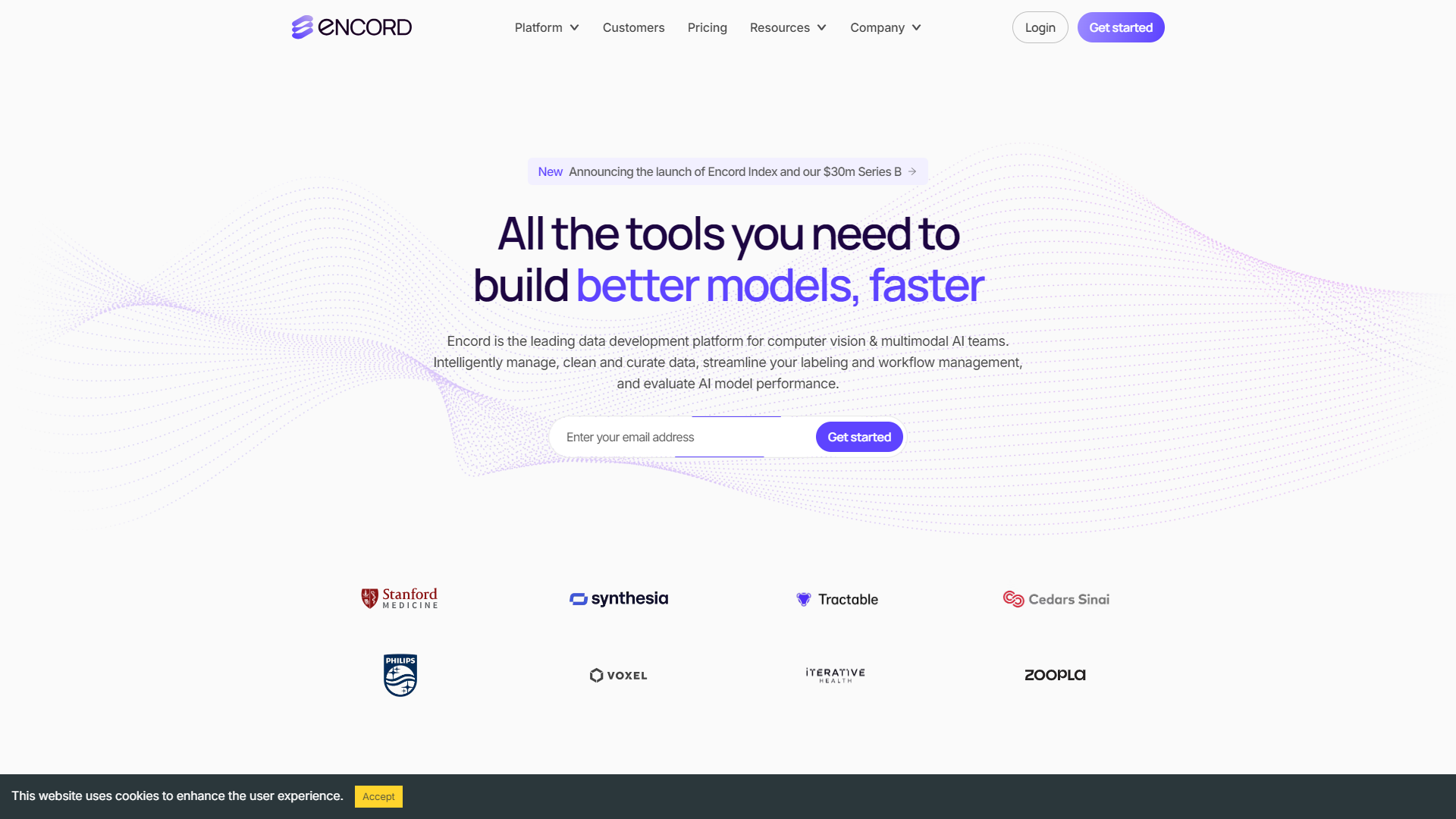
Encord is a smart tool for organizing and improving training data for AI models.
Overview
Encord is designed to simplify the way you manage training data for machine learning projects. It offers a user-friendly platform that helps teams annotate, manage, and improve their data. This makes it easier for companies to build and train their AI models effectively.
With Encord, users can easily collaborate on data annotation tasks. The platform supports various data types, including images, videos, and text, allowing it to adapt to different project needs. This flexibility makes it a great choice for many industries, from healthcare to automotive.
By using advanced features like integrated quality control and analytics, Encord helps ensure that the training data is of high quality. This means better-performing AI models, which can lead to improved outcomes for businesses and users alike.
Pricing
| Plan | Price | Description |
|---|---|---|
| Simple and Scalable Pricing | Free Trial | With our simple, scalable pricing, you only pay per user. No need to track annotation hours, label consumption or data usage. |
Key features
User-Friendly Interface
Encord has a clean, intuitive design that makes it easy for teams to get started with data management.
Multi-Data Type Support
It supports various formats, including images, videos, and text to suit diverse project needs.
Collaboration Tools
The platform facilitates teamwork with shared projects and roles, improving productivity.
Quality Control
Built-in quality checks help users validate and improve the accuracy of training data.
Analytics Dashboard
Users can access performance metrics to evaluate the quality of their datasets.
Integration Capabilities
Encord can be integrated with other tools to streamline workflows and enhance functionality.
Customizable Annotation
Users can create custom annotations tailored to specific project requirements.
Real-Time Updates
Changes made by team members are updated in real-time, keeping everyone on the same page.
Pros & Cons
Pros
- Easy to Use
- Improves Collaboration
- Enhances Data Quality
- Versatile
- Robust Analytics
Cons
- Learning Curve
- Cost
- Limited Offline Functionality
- Infrequent Updates
- Not All Features Are Free
Feature Ratings
Based on real user reviews, here's how users rate different features of this product.
Model Development
Supports programming languages such as Java, C, or Python. Supports front-end languages such as HTML, CSS, and JavaScript
Offers the ability for developers to drag and drop pieces of code or algorithms when building models
Provides users with pre-built algorithms for simpler model development
Supplies large data sets for training individual models
Provides users with pre-built algorithms for simpler model development
Supplies large data sets for training individual models
Transforms raw data into features that better represent the underlying problem to the predictive models
Machine/Deep Learning Services
Offers image recognition services
Offers natural language processing services
Offers natural language generation services
Offers artificial neural networks for users
Offers image recognition services
Offers natural language understanding services
Offers natural language generation services
Provides deep learning capabilities
Deployment
Manages the intelligent application for the user, reducing the need of infrastructure
Allows users to insert machine learning into operating applications
Provides easily scaled machine learning applications and infrastructure
Allows users to input models built in a variety of languages.
Allows users to choose the framework or workbench of their preference.
Records versioning as models are iterated upon.
Provides a way to quickly and efficiently deploy machine learning models.
Offers a way to scale the use of machine learning models across an enterprise.
Manages the intelligent application for the user, reducing the need of infrastructure
Allows users to insert machine learning into operating applications
Provides easily scaled machine learning applications and infrastructure
Allows users to input models built in a variety of languages.
Allows users to choose the framework or workbench of their preference.
Records versioning as models are iterated upon.
Provides a way to quickly and efficiently deploy machine learning models.
Offers a way to scale the use of machine learning models across an enterprise.
Can integrate well with other software.
Management
Records and organizes all machine learning models that have been deployed across the business.
Tracks the performance and accuracy of machine learning models.
Provisions users based on authorization to both deploy and iterate upon machine learning models.
Allows users to manage model artifacts and tracks which models are deployed in production.
Records and organizes all machine learning models that have been deployed across the business.
Tracks the performance and accuracy of machine learning models.
Provisions users based on authorization to both deploy and iterate upon machine learning models.
System
Gives user ability to import a variety of data sources for immediate use
Supports programming languages such as Java, C, or Python. Supports front-end languages such as HTML, CSS, and JavaScript
Offers the ability for developers to drag and drop pieces of code or algorithms when building models
Quality
Gives user a metric to determine the quality of data labelers, based on consistency scores, domain knowledge, dynamic ground truth, and more. 30 reviewers of Encord have provided feedback on this feature.
Based on 30 reviewsEnsures that labeling tasks are accurate through consensus, review, anomaly detection, and more. This feature was mentioned in 29 Encord reviews.
Based on 29 reviewsEnsures the data is of a high quality as compared to benchmark. 30 reviewers of Encord have provided feedback on this feature.
Based on 30 reviewsGives user the ability to review and edit labels. 28 reviewers of Encord have provided feedback on this feature.
Based on 28 reviewsAutomation
Based on 24 Encord reviews. Uses models to predict the correct label for a given input (image, video, audio, text, etc.).
Based on 24 reviewsAutomatically route input to the optimal labeler or labeling service based on predicted speed and cost. 23 reviewers of Encord have provided feedback on this feature.
Based on 23 reviewsImage Annotation
Has the ability to place imaginary boxes or polygons around objects or pixels in an image. This feature was mentioned in 29 Encord reviews.
Based on 29 reviewsBased on 26 Encord reviews. has the ability to detect objects within images.
Based on 26 reviewsAs reported in 22 Encord reviews. Track unique object IDs across multiple video frames
Based on 22 reviewsBased on 23 Encord reviews. Supports a range of different types of images (satelite, thermal cameras, etc.)
Based on 23 reviewsNatural Language Annotation
As reported in 15 Encord reviews. Gives user the ability to label and verify text data in an image.
Based on 15 reviewsSpeech Annotation
Allows the user to transcribe audio. 13 reviewers of Encord have provided feedback on this feature.
Based on 13 reviewsGives user the ability to label emotions in recorded audio. 12 reviewers of Encord have provided feedback on this feature.
Based on 12 reviewsOperations
Control model usage and performance in production
Deploy mission-critical ML applications where and when you need them
Easily compare experiments—code, hyperparameters, metrics, predictions, dependencies, system metrics, and more—to understand differences in model performance.
Recognition Type
Provides the ability to recognize and detect emotions.
Provides the ability to recognize various types of objects in various scenarios and settings.
Provides the ability to recognize texts.
Processes video, or image sequences, to track objects or individuals.
Allows users to detect logos in images.
Detects inappropriate material in images.
Provides the ability to detect objects, humans, etc. in video footage.
Facial Recognition
Allow users to analyze face attributes, such as whether or not the face is smiling or the eyes are open.
Give users the ability to compare different faces to one another.
Labeling
Allows users to train model and provide feedback regarding the model's outputs.
Allows users to select given items in an image for the purposes of image recognition.
Provides the ability to build custom image detection models.
Model Training & Optimization - Active Learning Tools
Enables smart selection of data for annotation to reduce overall training time and costs.
Allows for automatic retraining of models with newly annotated data for continuous improvement.
Facilitates the setup of an active learning process tailored to specific AI projects.
Allows users to establish a feedback loop between data annotation and model training.
Provides the ability to identify and address edge cases to enhance model robustness.
Data Management & Annotation - Active Learning Tools
Enables efficient triaging of training data to identify which data points should be labeled next.
Streamlines the data labeling process with tools designed for efficiency and accuracy.
Automates the detection of anomalies and outliers in the training data for correction.
Offers tools to optimize the selection of data for labeling based on model uncertainty.
Provides actionable insights into data quality, enabling targeted improvements in data labeling.
Model Performance & Analysis - Active Learning Tools
Delivers in-depth insights into factors impacting model performance and suggests enhancements.
Enables model improvement at the lowest possible cost by focusing on the most impactful data.
Integrates the handling of edge cases into the model training loop for continuous performance enhancement.
Provides the ability to fine-tune models for increased accuracy and specialization for niche use cases.
Offers advanced tools to analyze label outliers and errors to inform further model training.
Integration - Machine Learning
Supports integration with multiple data sources for seamless data input.
Learning - Machine Learning
Enhances output accuracy and speed through efficient ingestion and processing of training data.
Generates actionable insights by applying learned patterns to key issues.
Continuously improves and adapts to new data using specified algorithms.
Rating Distribution
Screenshots
User Reviews
View all reviews on G2Efficient Annotation for Retail Data
What do you like best about Encord?
This was the first tool we found that could handle the enormous labeling taxonomy we had. We have to catalog many different types of products and Encord’s ontology feature was extremely useful in packing everything into a usable structure. The interface is also quite intuitive and the hotkeys make it easy for our team to navigate and speed up the annotation process.
What do you dislike about Encord?
While the tool is quite powerful, it could benefit from some customization options. The ability to personalize hotkeys and tool settings according to user preference would greatly enhance the user experience.
What problems is Encord solving and how is that benefiting you?
We use computer vision for inventory management in retail. The data annotation tool has significantly streamlined our annotation process, allowing us to annotate a large volume of images from our stores. This has led to improved accuracy in our computer vision models, which in turn contributes to efficient store operations and ultimately increased revenue.
This tool has cemented its place in our data pipeline and the Encord team has become a reliable component of our infrastructure support.
Simple to use tool for collaboratively annotating data.
What do you like best about Encord?
The platform’s collaborative feature has allowed us to improve the accuracy of all of our annotations resulting in a significant uptick in the quality of the annotations. A level deeper, we’ve really enjoyed the level of granularity of annotations + frame classifi...
Streamlining Your Workflow with Task Management and Automation Tools
What do you like best about Encord?
I like the ability of task management and automation tools to simplify and optimize complex workflows. Such tools can help increase efficiency and productivity, reduce errors and redundancies, and enable better collaboration among team members. The convenience of ...
High Tech platform, absolute time saver
What do you like best about Encord?
Well documented APIs! Sounds simple, yet can not be emphasized enough! Getting Encord to just work with our pipeline was a walk in the park, and for the one odd time when we had to contact support, their team has been amazing and extremely friendly. The annotation...
Great platform with exceptional tools
What do you like best about Encord?
This annotation tool stands out from its competitors due to its impressive speed and remarkable stability. Moreover, its support for DICOM formatted files makes it an advantageous option for radiological studies. A crucial feature of any annotation platform is the...
Company Information
Alternative Active Learning Tools tools


FAQ
Here are some frequently asked questions about Encord.
Encord supports images, videos, and text formats for diverse project needs.
Yes, Encord allows multiple users to collaborate in real-time on the same project.
Currently, Encord is designed primarily for desktop users, and there is no dedicated mobile app.
Encord has built-in quality checks to help users validate the accuracy of their annotations.
Yes, Encord can be integrated with various tools to enhance workflow efficiency.
Yes, its user-friendly interface makes it accessible for beginners and non-technical users.
Encord offers several pricing plans based on the features and number of users. It's best to check their website for details.
Encord has shared projects and role assignments, allowing team members to work together effectively.


