
Overview
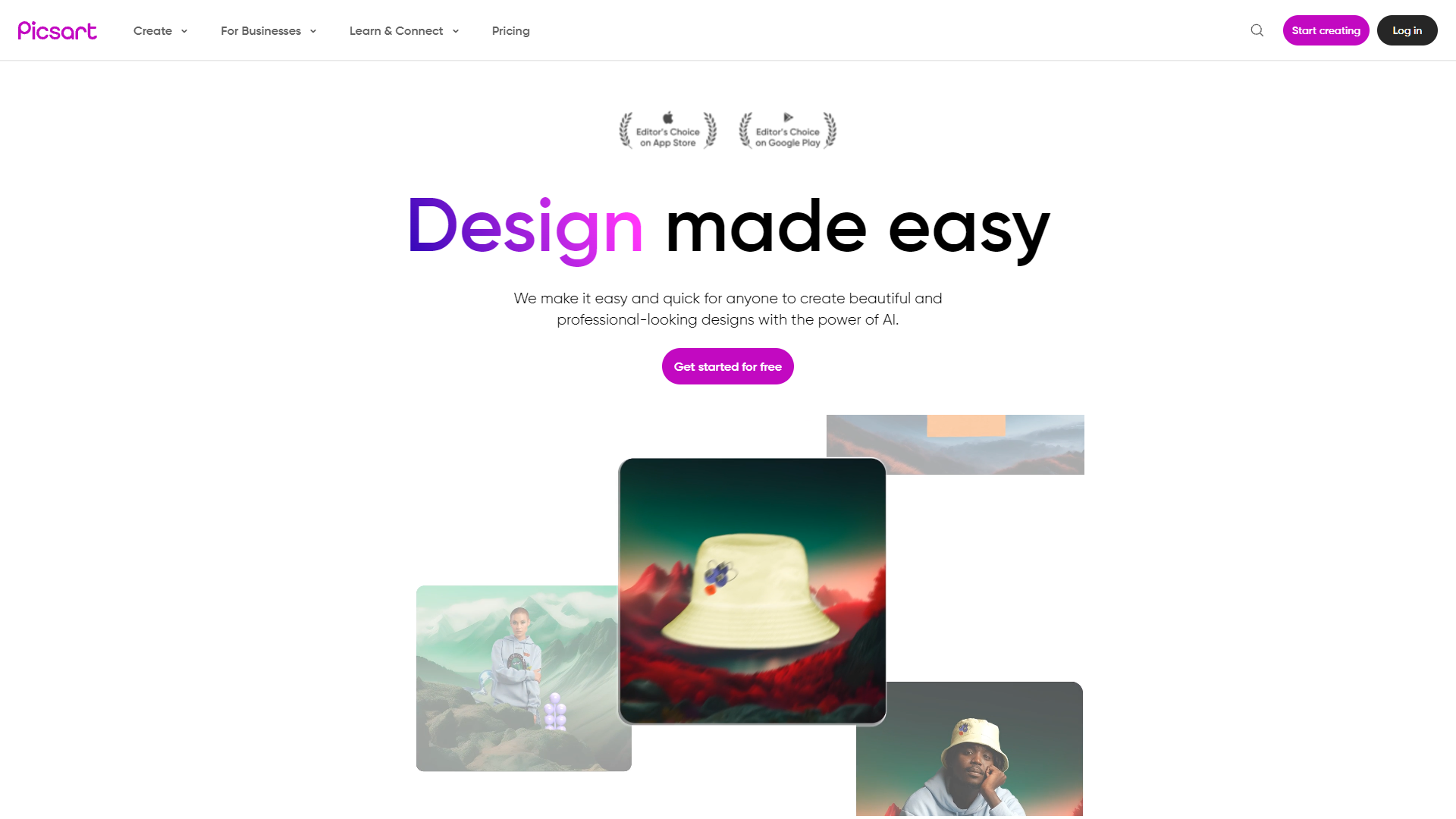
Picsart is a dynamic creative suite that integrates advanced AI technology to facilitate photo, video, and design editing. This platform is designed to cater to both individual creators and businesses, offering a plethora of tools that enhance and simplify the creative process. Users can explore a variety of features such as customizable templates for social media, advertisements, and logos, alongside versatile tools like a background changer, collage maker, and an AI-driven image enhancer.
For businesses, Picsart extends its functionality by providing SDK/API integration, supporting diverse applications including web-to-print services and photo printing solutions. The platform is not just about providing tools but also fostering a community of over 150 million creators. It encourages learning and interaction through an array of blogs, tutorials, and collaborative spaces where users can connect and share their creative insights.
Picsart is renowned for its intuitive user interface, robust editing capabilities, and regular updates that introduce new features, ensuring that the creative potential of its users is never capped. Various subscription plans are available, granting access to premium content and advanced AI tools, making it easier for users to bring their visions to life on both mobile and web interfaces. Whether you're a novice or a seasoned professional, Picsart offers a comprehensive toolkit designed to empower your creativity.
Pricing
| Plan | Price | Description |
|---|---|---|
| Small-Business | - | - |
Key features
AI-driven editing
Utilize advanced AI tools for enhancing images, videos, and designs, making professional editing accessible to all skill levels.
Extensive template library
Access a vast collection of templates for social media, advertisements, logos, and more, streamlining the design process.
Background changer tool
Easily remove or alter backgrounds from images with precision, perfect for creating standout visuals.
Collage maker feature
Combine multiple images into a single, cohesive collage using a variety of layouts and customization options.
SDK/API integration
Businesses can integrate Picsart’s capabilities into their platforms for diverse applications like web-to-print services.
Learning and community
Engage with an active community and learn through tutorials and blogs to continuously improve your creative skills.
Pros & Cons
Pros
- Real-time collaboration
- Customizable filters and effects
- Multi-platform accessibility
- Content-aware scaling
- Animation toolset
Cons
- AI editing limitations
- Template dependency
- Background tool complexity
- Collage design rigidity
- Integration challenges
Rating Distribution
User Reviews
View all reviews on G2PicsART - Right Pick
What do you like best about Picsart?
This is one of the best photo editing apps from editing of the photo (crop, resize, the tone , brightness, clone , adjust the tone, flip , rotate, enhance with AI is the option that can be used to make desired changes for picsart PRO users. There are various effects to enchance the photos with wide range of enhancements from simple, FX, BNW,Blur, colour, artistic and much more.
Text on Picture: You can add any text on the photo or video while you are editing the photo at once rather than updating the text in social media platform.
Retouch:This is manily for the beautification of the photos, which hides Blemishes , the face feature which changes the facial feature to beautify you more from eye, lips , nose, eyebrows to face.
Skin tone: You can change the skin tone from Fair to dark and viceversa. No more to worry of Suntan.
Haircolour: You can change the colour of hair from any colour you want , viola ! what else is needed when you dont have to visit a parlor.
Make up: This helps in adding the Blush, Contour, highlight, eyeliner, eyeshadow,eyelashes and freckles. The best feature but only availiable for PRO perversion. Go without make up and worry not because PicsART can do magic.
Eye colour: You can change the colour of your eye to any colour you choose from the option. Saves money on contact lenses.
Teeth Whiten: This features helps whiten the teeth to make you look flawless.
Red eye correction: Best app that removes the red eye on the photo which is caused due to too much exposure of light.
Merging the background of photo with the other is one of the best feature to do and is availiable on non PRO site too. In PRO version we can always remove the background or people around the background.
You can add borders, add brushes to the photo which creates the desidered shapes to the photos.
You can make beautiful collages but adding background and selecting the layout you need.
This app is truely a one stop solution for all the photo editing needs to make you photos look wonderful as it is not complicated at all.
What do you dislike about Picsart?
The PRO version is bit high rated and the price can be reduced.
Few of the features which was could have been used even without having PRO are now taken off and wish they reintrouced it back.
AI enchancements feature can be given for trial for 14 days to check how it works so we have an idea if anyone really need to upgrade to PRO.
What problems is Picsart solving and how is that benefiting you?
Picsart solves many problem related to the beauty as it enchances the beauty and makes you flawless. what more is required for a person.
Easy to use, intuitive and not overwhelming
What do you like best about Picsart?
It's incredibly easy to use, I'm not in the art, photo, media world per se, but picsart allow me to tap into that artsy side that we ll have. It's super intuitive so I don't have to constantly check youtube or google for tutorials, you just have to read what's in...
Picsart: my review
What do you like best about Picsart?
Picsart is not limited to image editing, but is also adapted for video editing. As for the accessibility of Picsart, I can work from the computer and also from my smartphone. And what I like most is the resolution customization feature which is perfect when worki...
A versatile creative tool for everyone
What do you like best about Picsart?
This is the best software in designing. It has advanced tools like background removal and object cloning and AI-powered enhancements. The tools are very easy to handle and tasks can be done smoothly.
What do you dislike about Picsart?
The app's filter and effect...
Picsart: versatility and quality images in one click
What do you like best about Picsart?
Picsart has a varied selection of photos and background filters, suitable for adjusting each image to perfection and achieving the exact visual effect I need. Picsart also allows editing photos in high resolution, being very useful for creating assets that I can ...
Company Information
Alternative Ai Graphic Design tools


FAQ
Here are some frequently asked questions about Picsart.
Picsart includes AI-driven tools like image enhancement for automatic adjustments in color and brightness, and smart selection for easy object isolation and editing.
Picsart supports businesses with SDK/API integration, enabling the use of its editing tools in web-to-print services and other applications, enhancing business operations.
Picsart fosters learning through its blogs, tutorials, and collaborative spaces where users can explore creative ideas and improve their editing skills.
Yes, Picsart offers a wide range of customizable templates and tools specifically designed for creating engaging content for various social media platforms.
Yes, Picsart provides customizable templates and advanced design tools suitable for creating professional logos tailored to your business needs.
Picsart offers various subscription plans that provide access to premium content, advanced features, and exclusive AI tools, catering to different user needs and budgets.
Picsart features an intuitive user interface and robust editing capabilities that cater to all skill levels, ensuring a seamless experience for beginners and professionals alike.
Yes, Picsart is accessible on both mobile and web interfaces, allowing users to work on their projects from virtually anywhere.


