
Overview
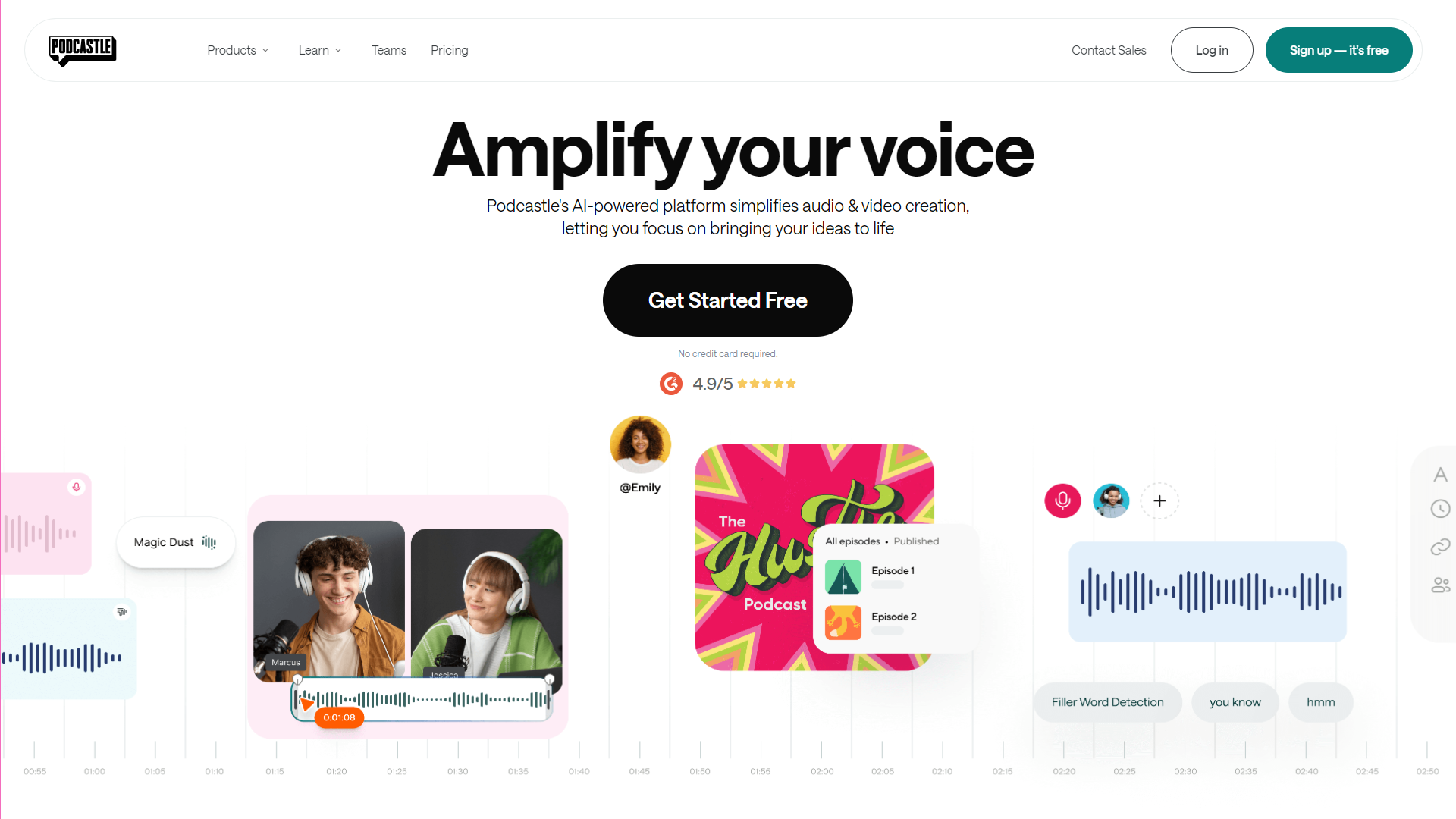
Podcastle is an innovative platform designed for easy podcast creation and editing. With a user-friendly interface, it helps both beginners and seasoned podcasters to produce professional-quality audio files. Whether you're recording interviews, storytelling, or discussing topics, Podcastle provides all the tools you need in one place.
The platform offers advanced features like AI-driven audio enhancement, remote recording capabilities, and seamless integration with various audio platforms. You don't need high-end equipment to start; Podcastle ensures that your voice sounds great, regardless of your setup. This makes it an ideal choice for those just starting their podcast journey.
Moreover, Podcastle focuses on collaboration, allowing multiple users to join a recording session from anywhere in the world. This feature is perfect for interviews or co-hosted podcasts. Overall, Podcastle aims to simplify podcasting while maintaining high-quality standards, making it accessible to everyone.
Pricing
| Plan | Price | Description |
|---|---|---|
| Basic | Free | Best for getting started on your podcasting journey. |
| Storyteller | Starting at $11.99 (Per Month) | Best for hobbyists and regular podcasters to take your production to the next level. |
| Pro | Starting at $23.99 (Per Month) | Best for professionals to unleash your full creative potential. |
| Business | Contact Us | - |
Key features
AI-Powered Audio Enhancement
Automatically remove background noise and improve audio quality with advanced AI tools.
Remote Recording
Invite guests to join your session from anywhere, making it easy to record interviews.
Multi-Track Editing
Edit multiple audio tracks independently to create a polished final product.
User-Friendly Interface
Simple navigation and design for both newbies and experienced users.
One-Click Publishing
Publish your podcast to various platforms with just one click.
Collaborative Features
Work with your team in real-time to brainstorm and record episodes together.
Cloud Storage
Save your projects in the cloud for easy access and editing from any device.
Rich Sound Effects Library
Access a variety of sound effects and music to enhance your podcast episodes.
Pros & Cons
Pros
- Easy to Use
- High-Quality Output
- Flexible Recording Options
- Great Collaboration Tools
- Quick Publishing
Cons
- Limited Free Features
- Internet Dependency
- Learning Curve
- Price Increase
- Limited Customization
Feature Ratings
Based on real user reviews, here's how users rate different features of this product.
Platform Basics
As reported in 37 Podcastle reviews. Provides the ability to screen capture a still image of a user's full desktop, specific window or a small portion of the user's screen.
Based on 37 reviewsBased on 39 Podcastle reviews. Provides the ability to video capture a user's full desktop, specific window or a small portion of the user's screen.
Based on 39 reviewsPlatform Content
Allows users to capture a full screen capture while scrolling down a page. This feature was mentioned in 33 Podcastle reviews.
Based on 33 reviewsAs reported in 37 Podcastle reviews. Helps users record a video capture and save it as a video file, audio file or GIF file.
Based on 37 reviewsPlatform Additional Functionality
Provides robust sharing and publishing options. This feature was mentioned in 36 Podcastle reviews.
Based on 36 reviewsVoice
Based on 31 Podcastle reviews. Provides dictation capabilities.
Based on 31 reviewsAs reported in 32 Podcastle reviews. Gives the user a reliable and accurate transcription of the text.
Based on 32 reviewsTranscription
As reported in 33 Podcastle reviews. Identifies and differentiates between different speakers.
Based on 33 reviewsProvides timestamps for the transcription and gives the user the ability to alter them. 33 reviewers of Podcastle have provided feedback on this feature.
Based on 33 reviewsAllows for transcription to be displayed as closed captioning for a video. 31 reviewers of Podcastle have provided feedback on this feature.
Based on 31 reviewsEditing
Facilitates the editing of transcription via a text editor. 31 reviewers of Podcastle have provided feedback on this feature.
Based on 31 reviewsIntegration
Supports uploading recorded voice data into the solution. This feature was mentioned in 33 Podcastle reviews.
Based on 33 reviewsAs reported in 17 Podcastle reviews. Supports integration to existing applications or devices.
Based on 17 reviewsSpeech Output
Based on 19 Podcastle reviews. Provide tools to modify volume of voice.
Based on 19 reviewsProvide tools to modify pitch of voice. 18 reviewers of Podcastle have provided feedback on this feature.
Based on 18 reviewsProvide tools to modify speed of voice. This feature was mentioned in 18 Podcastle reviews.
Based on 18 reviewsAs reported in 18 Podcastle reviews. Provide tools to modify pronunciation of specific pre-defined words.
Based on 18 reviewsBased on 17 Podcastle reviews. Provide tools to modify accent of voice.
Based on 17 reviewsBased on 17 Podcastle reviews. Provide tools to modify emotion of voice, including happy, sad, and annoyed.
Based on 17 reviewsAllow users to change the speaking style, such as newscaster or conversational. This feature was mentioned in 17 Podcastle reviews.
Based on 17 reviewsAudio Format
Allows users to create voices which sound natural and human-like. 17 reviewers of Podcastle have provided feedback on this feature.
Based on 17 reviewsBased on 17 Podcastle reviews. Gives users the ability to choose from a number of audio formats including mp3, Linear16, and Ogg Opus.
Based on 17 reviewsBased on 16 Podcastle reviews. Optimize for the type of speaker from which your speech is intended to play, such as headphones or phone lines.
Based on 16 reviewsPlatform Features
Based on 23 Podcastle reviews. Provides the ability to video capture a user's full desktop, specific window, or portion of their screen.
Based on 23 reviewsAs reported in 21 Podcastle reviews. Allows users to capture their screen as a still image of their desktop, browser window, or portion of their screen.
Based on 21 reviewsBased on 21 Podcastle reviews. Allows users to capture a full screen capture while scrolling down a page.
Based on 21 reviewsAs reported in 20 Podcastle reviews. Allows users to record their screen, camera, or both at the same time. Captures the camera, microphone, and screen simultaneously.
Based on 20 reviewsOrganization
As reported in 21 Podcastle reviews. Allows users to control who has viewing and editing access to a recording.
Based on 21 reviewsAs reported in 21 Podcastle reviews. Provides a library that can be used to organize videos into folders.
Based on 21 reviewsCustomization
Allows users to add custom thumbnails to recorded videos. 21 reviewers of Podcastle have provided feedback on this feature.
Based on 21 reviewsProvides a drawing or annotation tool to use while recording a video. This feature was mentioned in 22 Podcastle reviews.
Based on 22 reviewsGives users the ability to add frames and backgrounds to their camera while recording. 21 reviewers of Podcastle have provided feedback on this feature.
Based on 21 reviewsRating Distribution
Screenshots
User Reviews
View all reviews on G2I've faced constant frustrations with this platform from day one.
What do you like best about Podcastle?
The Customer given by their CSM and technical team
What do you dislike about Podcastle?
Recording Issues:
Both my guests and I often get kicked out of the recording studio. Out of 10 recordings with different guests and internet connections, all experienced the same problem. It's not a user issue; it's a platform problem. Distracting banners about internet quality frequently appear, disrupting conversations despite precautions like closing all other windows.
Editing Challenges:
The audio waves are too small for precise editing, and the audio and video are never synchronized. This creates an unprofessional experience where it sounds like I'm interrupting my guests or vice versa. Editing is far from user-friendly.
AI Features:
The AI tools don’t work as advertised, adding to the frustration instead of improving efficiency.
Impact on Workflow:
These issues significantly affect my ability to meet deadlines. I host important guests, have sponsor obligations, and need reliable tools. Unfortunately, I often resort to Zoom because it's faster and more reliable, even with its lower video quality.
Bottom Line:
This platform needs serious improvements to justify its cost. The repeated issues make it hard to recommend for anyone with professional podcasting needs. Wonder how it has been for those that give 5 stars
What problems is Podcastle solving and how is that benefiting you?
It's solving better audion and video quality.
No Experience Required
What do you like best about Podcastle?
I run a podcast, Sunday Afternoon Smokes, and I know absolutely nothing about audio recording or post-production editing. Because tech isn't my strong suit, it took me over a year of trying various setups to get it right. However, once I finally figured out the...
Arguably the the easiest tool to use with 0 prior knowledge on how to even launch a podcast
What do you like best about Podcastle?
We've been using Podcastle for almost a year now, recording episodes on average once a week, and we're not planning to switch platforms any time soon. It's super easy to record both audio and video, then edit and download later (for further editing, if required...
Best AI Sound Editor
What do you like best about Podcastle?
Podcastle has saved me countless hours sound editing my podcast. With just the click of a button, their AI sound editor, which is aptly named "Magic Dust" does the magic for you. I can't imagine my podcast production without this incredible tool.
Podcastle is ...
Incredible value and complete solution for the money
What do you like best about Podcastle?
I am someone who started a podcast before for a short period of time. I am now coming back to it. Podcastle makes it so easy to get started compared to what I went through years ago. Everything you need is there, plus a lot more. I think the editing and AI voic...
Company Information
Alternative Text To Speech tools


FAQ
Here are some frequently asked questions about Podcastle.
Podcastle is a platform that allows users to create and edit podcasts easily with various useful tools.
Yes, Podcastle has remote recording features that let you invite guests to join your session.
Yes, Podcastle offers free features, but many advanced tools require a subscription.
The AI tools automatically improve your audio quality by removing background noise and enhancing sound.
Podcastle is optimized for desktop, but you can access your projects through various devices with internet.
You can publish your podcast on popular platforms directly from Podcastle with one click.
Yes, Podcastle includes a rich library of sound effects and music that you can use in your episodes.
Yes, Podcastle provides customer support to help you with any issues or questions you may have.


