
Krisp
Krisp helps you make clear calls by removing background noise.
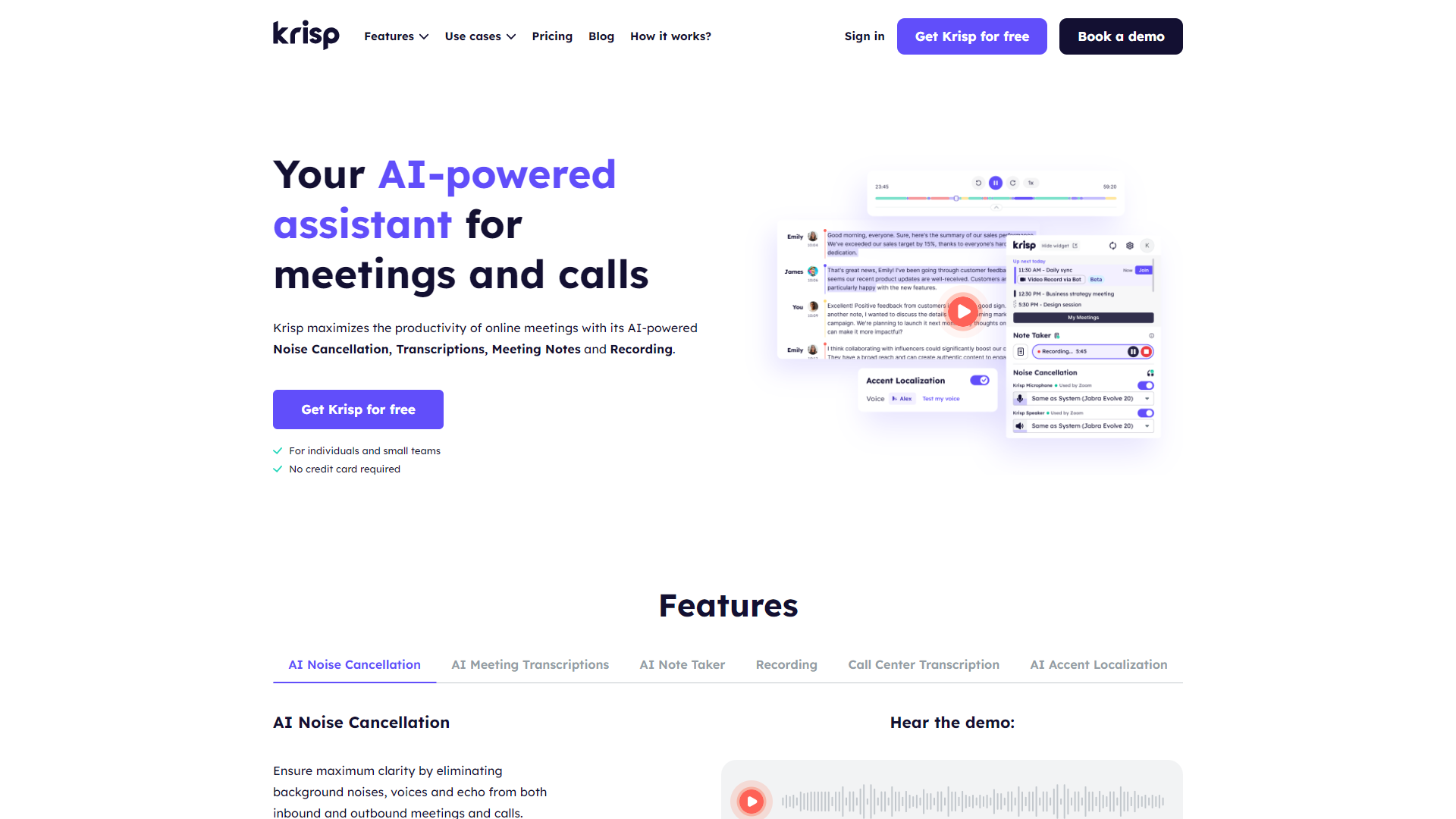
Overview
Krisp is a noise-canceling app designed for people who want better audio quality during calls. It works by removing distractions, so you can focus on your conversation without interruptions from your surroundings. Whether you are in a café, at home, or in a busy office, Krisp is there to make your calls clearer and more pleasant.
This app uses advanced AI technology to distinguish between your voice and background noises. By doing so, it filters out unwanted sounds like typing, voices, and traffic. Curious users will find that the app is easy to install and simple to use, making it a popular choice for professionals and personal users alike.
Krisp not only enhances the quality of voice calls but also works well with various communication tools, like Zoom, Skype, and Microsoft Teams. It's a great addition for anyone who relies on clear sound to communicate effectively.
Pricing
| Plan | Price | Description |
|---|---|---|
| Free | Free (1 user Per Month) | ▪️Includes |
| Pro | $8.00 (1 User Per Month) | ▪️ Everything in Free plus |
| Enterprise | Contact Us | ▪️ For Enterprises and Call Centers |
Key features
Noise Cancellation
Offers real-time noise removal during calls to improve clarity.
Works on Any App
Compatible with various communication platforms like Zoom, Skype, and Teams.
Echo Reduction
Minimizes echo, making conversations smoother.
Easy to Use
Simple interface requires no technical skills to operate.
Multi-Device Support
Available on desktop and mobile for versatility.
Sound Quality Enhancement
Improves overall sound quality, making your voice clearer.
Free Trial
Users can try Krisp with a free version before purchasing.
Privacy Protection
Ensures your audio data is secure and not stored.
Pros & Cons
Pros
- Enhanced Call Clarity
- User-Friendly
- Versatile Compatibility
- Effective Noise Reduction
- Positive User Feedback
Cons
- Limited Free Version
- Occasional Glitches
- Subscription Cost
- Internet Dependence
- Can Affect Voice Tone
Feature Ratings
Based on real user reviews, here's how users rate different features of this product.
Integrations
As reported in 143 Krisp reviews. This software integrates with popular audio conferencing tools.
Based on 143 reviewsAs reported in 136 Krisp reviews. This software integrates with popular video conferencing tools.
Based on 136 reviewsAs reported in 86 Krisp reviews. This software integrates with popular webinar software tools.
Based on 86 reviewsAmbient Noise Cancellation
Based on 144 Krisp reviews. This software removes the acoustic echo caused by a user's microphone.
Based on 144 reviewsBased on 148 Krisp reviews. This software removes the echo that is caused by an empty office or conference room.
Based on 148 reviewsThis software removes outside noise, such as street and traffic sounds commonly experienced in urban areas. This feature was mentioned in 158 Krisp reviews.
Based on 158 reviewsThis software removes background speech caused by nearby conversations. This feature was mentioned in 153 Krisp reviews.
Based on 153 reviewsMeeting Prep - AI Meeting Assistants
Assists in creating and managing meeting agendas, ensuring that discussions stay on track and objectives are met.
Hosts virtual meetings, manages attendee lists, and controls meeting features like screen sharing and recording.
Meeting Automation - AI Meeting Assistants
Automatically transcribes and summarizes meeting discussions.
Recognizes and transcribes spoken words during meetings, making note of who is speaking and when.
Tracks action items and follow-up tasks, assigning responsibilities to specific participants and sending reminders.
Meeting Insights - AI Meeting Assistants
Creates smart summaries that capture the essential information and insights from a meeting, allowing participants to recall key points, track action items, and have a comprehensive understanding of what transpired during the meeting
Rating Distribution
Screenshots
User Reviews
View all reviews on G2Longtime Krisp user canceling due to unreliability
What do you like best about Krisp?
I have been a Krisp user for 5 years, and collegues on the other side of team calls cannot hear my dog barking in the background at the Amazon driver.
What do you dislike about Krisp?
Lately the product sucks and their customer service is quickly following. I have reported tickets in the past were my meetings are not being recorded or transcribed. Support just pushed me off on it. Last week I had 9 meetings using Krisp and only 3 of them kept their transcriptions, even though the transcription popped up after each call. I found this out this morning when I needed to go back and review a meeting from last, which unfortunately was not there.
Since Krisp revised their pricing and increased it by 60% from $60 to $96, I had to cancel my subscription. I wont pay an increase for a product whos reliability has dropped more than 60%.
What problems is Krisp solving and how is that benefiting you?
It drastically reduces my background noise. No one on the call hears my dog barking.
Great transcription and summary
What do you like best about Krisp?
This was my first time using an AI meeting assistant, and I was surprised by how seamless and accurate it was. The transcription is accurate, but the best part for me was the accuracy of (a) the summary and (b) the action items of my meeting. The AI even spelled u...
Great for noise cancel
What do you like best about Krisp?
I've used Krisp for a few years and have recommended them to many others. It's a great tool for me to cancel out background noise, especially when my kids are at home or I am in a noisy area working.
What do you dislike about Krisp?
There was an instance where I w...
The ultimate solution for background noise!
What do you like best about Krisp?
I love how it can be easily integrated to any platform for video conferencing. It's easy to use and has great customer support as well. I would really recommend this software for daily use at your workplace.
What do you dislike about Krisp?
I could slow down your ...
Supports only 1 Device Despite a Pro Plan. App Never Upgrades (Mac)
What do you like best about Krisp?
- Noise cancellation
- Meeting notes
- Ability to silently record calls
What do you dislike about Krisp?
- Supports only one device
- Unstable app
- Pathetic customer service
What problems is Krisp solving and how is that benefiting you?
Noise Cancellation
Company Information
Alternative Voice Recognition tools


FAQ
Here are some frequently asked questions about Krisp.
Krisp is an app that removes background noise during calls to enhance audio clarity.
It uses AI technology to separate your voice from background noise.
Krisp offers a free trial, but the full version requires a subscription.
Yes, Krisp is available on both desktop and mobile platforms.
Krisp is compatible with many apps, including Zoom, Skype, and Microsoft Teams.
Some users have noticed slight changes in voice tone, but most find the quality improves overall.
Yes, a stable internet connection enhances the effectiveness of Krisp.
Absolutely! It's great for professionals who need clear communication in noisy environments.


