
Overview
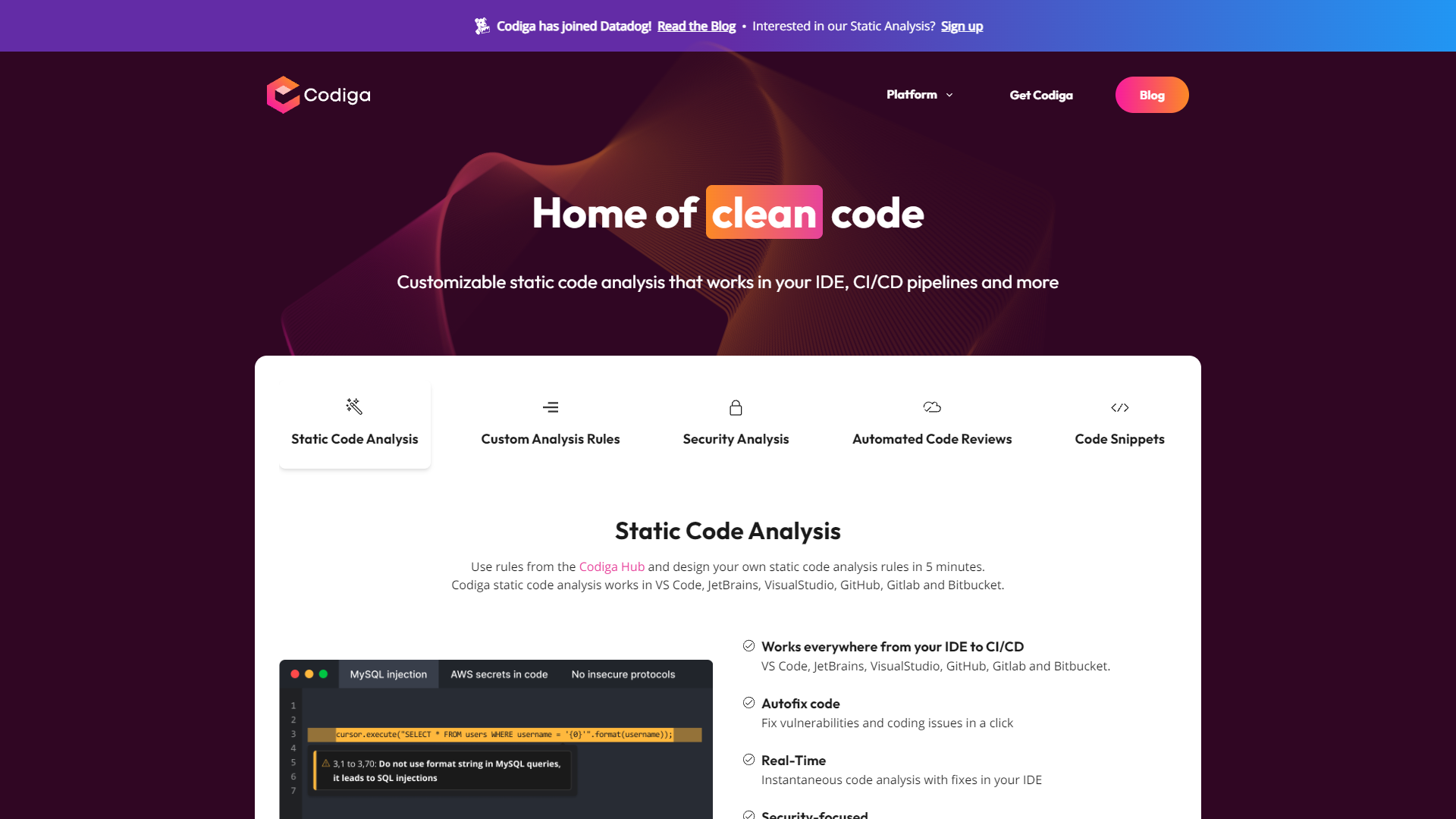
Codiga is an innovative coding platform designed to enhance the efficiency and security of software development processes. By offering real-time static code analysis and security analysis, Codiga ensures that developers can identify and rectify coding issues and vulnerabilities directly within their integrated development environments (IDEs). The platform supports popular IDEs such as VS Code and JetBrains, and seamlessly integrates with version control platforms including GitHub, GitLab, and Bitbucket.
One of the standout features of Codiga is its capability to conduct automated code reviews, which significantly accelerates the development cycle and improves code quality. Developers can also customize code analysis rules according to their project needs, and these custom rules can be shared across teams, fostering a consistent coding standard and further enhancing code security.
Codiga is particularly beneficial for development teams looking to boost productivity without compromising on code safety. Its user-friendly interface and powerful tools make it an essential asset in modern development workflows, helping teams deliver secure, high-quality software more efficiently.
Pricing
| Plan | Price | Description |
|---|---|---|
| Basic | Free 1 User Per Month | Code Analysis for Public Projects and Coding Assistant |
| Team | $14.00 1 User Per Month | Ideal for small to medium size companies |
Key features
Real-time code analysis
Codiga provides instant feedback on code quality and security issues directly in the IDE, helping developers fix problems before they escalate.
IDE integration
Seamlessly integrates with popular IDEs like VS Code and JetBrains, allowing developers to use Codiga's features without leaving their coding environment.
Automated code reviews
Codiga automates code reviews by analyzing pull requests for issues and vulnerabilities, speeding up the review process and reducing manual effort.
Custom rule configuration
Developers can create and customize their own code analysis rules, making it possible to tailor Codiga's tools to specific project needs or coding standards.
Rule sharing across teams
Codiga supports sharing custom rules among team members, ensuring consistent code quality and security standards across all developers in a project.
Multi-platform support
Codiga integrates with major version control platforms like GitHub, GitLab, and Bitbucket, facilitating a smooth workflow for continuous integration and deployment.
Pros & Cons
Pros
- Code quality metrics
- Security compliance checks
- Smart code snippets
- Learning and onboarding
- Performance optimization
Cons
- Learning curve
- Dependency on connectivity
- Resource intensity
- Over-reliance on automation
Rating Distribution
Screenshots
User Reviews
View all reviews on G2great automated code review
What do you like best about Codiga?
Completely hands-free review. It all just happens in the background, and you can review the state of your code at your convenience. I prefer the cloud based approach compared to a local installation of a code format tool, as its constanly being improved without having to deal with an upgrade on your machine.
What do you dislike about Codiga?
The only downside is that there is a cost for the service, as compared to a buy-once local installation. But that cost is small compared with the value obtained from the reviews. I also wish they had a formatter for c#.
What problems is Codiga solving and how is that benefiting you?
The main advantage for me is catching redundant code that should be put in functions. While this entails more work, it allows for better reusability and readability of the code.
An extremely useful tool
What do you like best about Codiga?
I like how easy it is to use and the ability to use it on multiple computers. As a developer, I work in several places, and having all my snippets available is great. In addition, I also like how I can share code with others, including building up a library that ...
It helps to write good quality code.
What do you like best about Codiga?
Whenever I upload my pr, it shows the issue or some minor changes to make our code much better, for example, using a limited import statement instead of using *
What do you dislike about Codiga?
There is not nothing to be dislike in the application because it wor...
Excellent tool to boost productivity
What do you like best about Codiga?
Codiga is a fantastic tool for automating code reviews. It helped me find ways to clean up my code that I would have never found otherwise, and it is way cheaper than its competitors.
What do you dislike about Codiga?
The only downside to Codiga is that it comes ...
No that great
What do you like best about Codiga?
Static code analysis and code snippet generation features also, it automates reviews
What do you dislike about Codiga?
The plugin's api token isn't generated and didn't signup
What problems is Codiga solving and how is that benefiting you?
AUTOMATING CODE REVIEW...
Company Information
Alternative Ai Development tools


FAQ
Here are some frequently asked questions about Codiga.
Codiga supports popular IDEs such as Visual Studio Code and JetBrains. This allows for seamless integration and a more efficient coding process within familiar environments.
Yes, Codiga seamlessly integrates with version control platforms like GitHub, GitLab, and Bitbucket, facilitating better version control and collaboration among development teams.
Teams can customize code analysis rules in Codiga to suit their specific project needs. These custom rules can be shared across teams to maintain consistent coding standards.
Yes, Codiga is beneficial for development teams of all sizes, from small startups to large enterprises, looking to enhance productivity and maintain high security and quality standards in their code.
Codiga enhances security by performing real-time static code analysis and security analysis, identifying vulnerabilities and coding issues early in the development cycle.
Automated code reviews in Codiga speed up the development process by automatically detecting issues, allowing developers to focus on more complex problems and improving overall code quality.
Codiga boosts team productivity by automating code reviews and integrating directly with IDEs and version control systems, reducing manual tasks and streamlining workflows.
Codiga is essential for modern development due to its ability to deliver secure, high-quality software efficiently, supported by features like real-time analysis, automated reviews, and customizable rules.


