
Overview
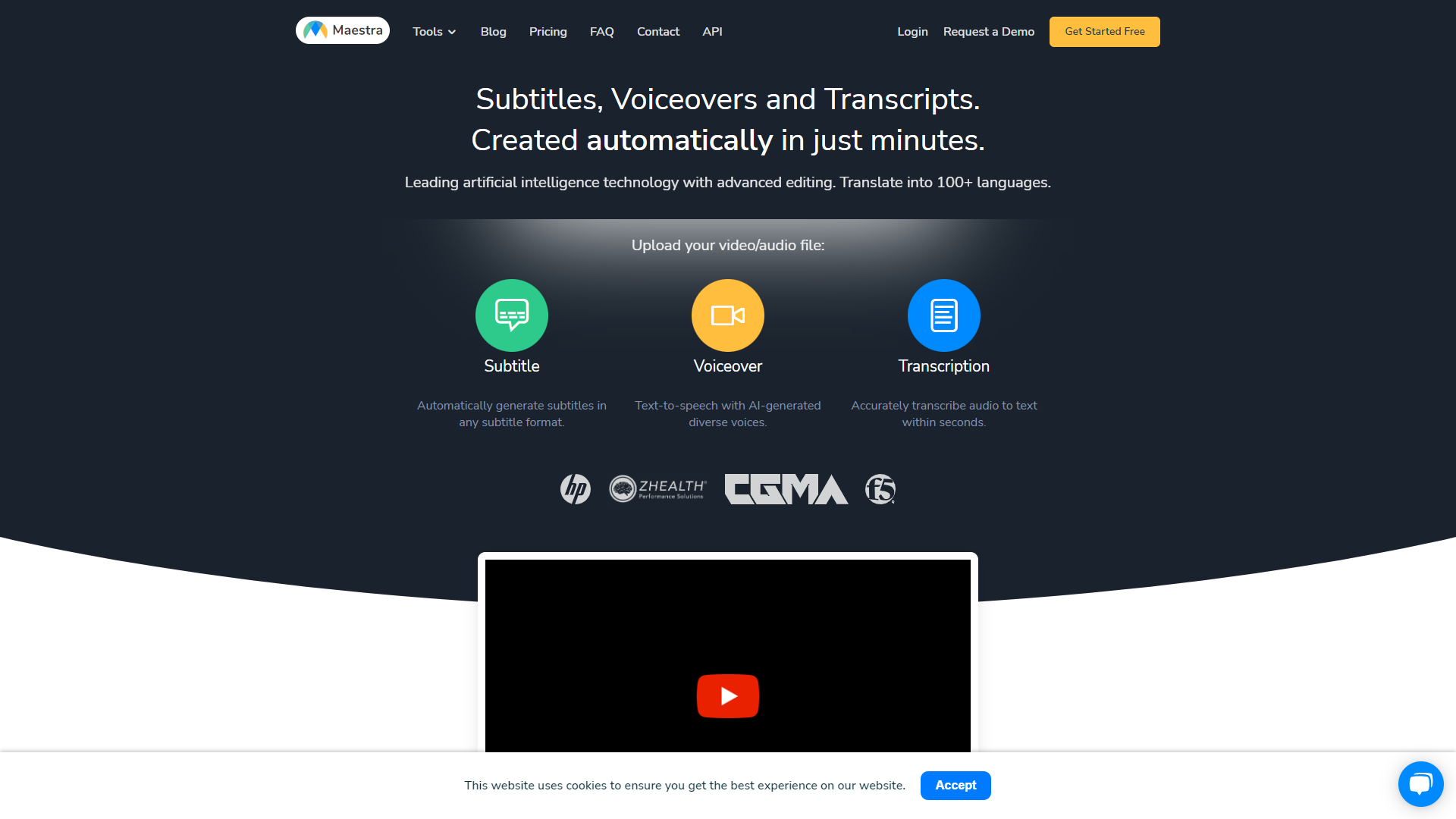
Maestra is designed for those who create podcasts, videos, or any other type of audio content. It combines multiple features into one easy-to-use platform. Whether you are a beginner or an experienced creator, Maestra provides everything you need to enhance your projects.
This tool aims to save time while improving the quality of your audio and video production. From editing to transcription, Maestra covers it all. Users appreciate its intuitive interface, which makes it accessible for everyone.
Maestra is continuously updated to include new features based on user feedback. The team behind this product ensures that it evolves with the needs of content creators, maintaining relevance in a fast-paced digital world.
Pricing
| Plan | Price |
|---|---|
| 5 hours per month | $29 |
| 10 hours per month | $49 |
| 20 hours per month | $99 |
| 50 hours per month | $249 |
Key features
Audio Editing
Easily cut, join, and enhance audio clips with powerful editing tools.
Transcription
Convert audio and video files into text quickly and accurately.
Voice Enhancement
Improve the quality of voice recordings with built-in effects.
Team Collaboration
Work with your team in real-time on projects and share edits instantly.
Cloud Storage
Store your projects securely in the cloud and access them from anywhere.
Multi-Format Support
Import and export projects in various formats for flexibility.
User-Friendly Interface
Navigate the platform effortlessly with its simple design.
Detailed Analytics
Track engagement and performance of your content with useful analytics.
Pros & Cons
Pros
- Comprehensive Toolset
- Time-Saving
- Continual Updates
- Great for Teams
- High-Quality Outputs
Cons
- Learning Curve
- Subscription Cost
- Occasional Bugs
- Limited Free Version
- Customer Support
Rating Distribution
Screenshots
User Reviews
View all reviews on G2A great tool that's fast, efficient and easy to use.
What do you like best about Maestra?
The speed and ease of uploading and transcribing captions in so many different languages is what I love most about this tool. I also love that I can download an immediate text file of my transcriptions.
What do you dislike about Maestra?
I would like it if the final videos were a little bit more compressed, but that's something that can be easily fixed on my end after downloading the file.
What problems is Maestra solving and how is that benefiting you?
Maestra allows me to convert English-speaking videos to Korean subtitles seamlessly, allowing the company I work for to expand into new markets.
The solution we've been waiting for!
What do you like best about Maestra?
Maestra provides solution decades in the making. Subtitling across multiple languages with ease. Something impossible up to now.
What do you dislike about Maestra?
None. Probably AI sofistication with time.
What problems is Maestra solving and how is that benef...
Subtitles & Transcript generation made easy
What do you like best about Maestra?
Great customer support, Competitive pricing as compared to others and Maestra has theie API support as well which allows us to automate the video subtitles generation. it also has Teams feature that allows multiple stakeholders to collaborate together. Multi-ling...
Great product and very easy to use.
What do you like best about Maestra?
Maestra was intuitive to use and created a fairly accurate transcript in the first upload. It is easy to make corrections and ensure accuracy. I really appreciate how easy it was to make my video content more accessible by adding captioning. I liked that the pric...
Meets my needs and likes
What do you like best about Maestra?
Easy to use. Pay as you go. Good captioning options.
What do you dislike about Maestra?
After considerable use, nothing of note.
What problems is Maestra solving and how is that benefiting you?
I've been using Maestra for about 3 years now to caption my lesson ...
Company Information
Alternative Voice Dubbing tools


FAQ
Here are some frequently asked questions about Maestra.
Maestra can edit a variety of audio and video formats, including MP3, WAV, MP4, and more.
Yes, Maestra offers a free trial so you can explore its features before committing.
Absolutely! Maestra allows team collaboration, so you can work with others in real-time.
Maestra's transcription feature is highly accurate, but it may depend on audio quality.
Yes, Maestra is user-friendly and designed to be accessible for beginners.
Maestra can be accessed on various devices as it is a cloud-based platform.
Yes, Maestra provides customer support to help you with any issues you may encounter.
Yes, Maestra allows you to export your projects in multiple formats for your convenience.


