
Overview
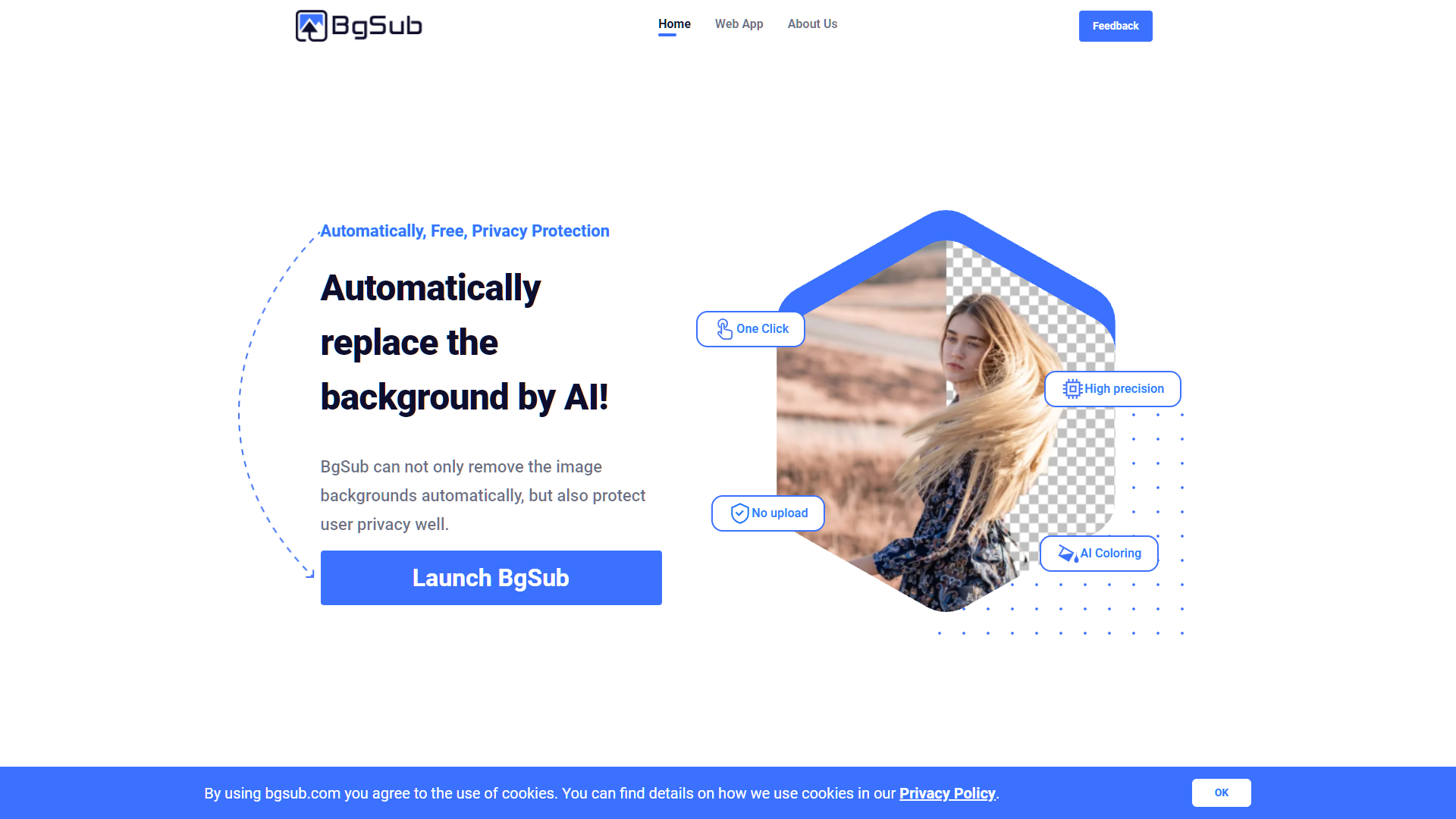
BgSub is a cutting-edge, AI-driven online tool designed to effortlessly remove and replace backgrounds in images. This platform is perfect for users ranging from social media enthusiasts to professionals in photography, e-commerce, and marketing, looking to enhance the visual quality of their content. BgSub stands out with its one-click background removal feature, precise AI coloring, and flexible adjustment settings, making it a powerhouse for creating stunning, professional-grade visuals without the need for complex software.
The website is user-friendly and includes a variety of samples that demonstrate the tool's capabilities across different subjects like people, products, and nature. BgSub not only simplifies the editing process but also ensures user privacy and data protection, allowing creators to work with peace of mind. The FAQ section provides valuable insights into the tool’s functionality, including details on resolution limits, privacy policies, and options for API integration or batch processing.
Testimonials on the site highlight BgSub’s efficiency and the high quality of its automatic color adjustments, emphasizing its role in saving time and boosting productivity. Whether for individual projects or large-scale professional use, BgSub offers a reliable and innovative solution for all your image editing needs.
Key features
One-click removal
Automatically remove backgrounds from images with just one click, simplifying the editing process for users of all skill levels.
AI-driven enhancements
Utilize advanced AI algorithms to detect and replace backgrounds accurately, ensuring high-quality results for diverse image types.
Privacy protection
Adheres to strict data privacy protocols to ensure that all user uploads and information remain confidential and secure.
Adjustment tools
Offers a range of free adjustment options, allowing users to fine-tune their images for perfect composition and color balance.
API integration
Provides API access for batch processing, enabling developers and professionals to streamline their workflows by integrating BgSub's capabilities into their projects.
Extensive sample gallery
Features a comprehensive gallery that demonstrates the tool’s effectiveness across various subjects like people, products, and animals.
Pros & Cons
Pros
- Batch processing capability
- Multi-platform compatibility
- Customizable backgrounds
- Real-time preview
- Support and tutorials
Cons
- Resource intensive
- Limited manual control
- Internet dependency
- Format compatibility issues
- Learning curve for API
Rating Distribution
User Reviews
View all reviews on G2It's a nice app, that gets the work done
What do you like best about BgSub?
I like that it's straightforward to use. You drag and drop your photo, and voila. Your background is removed.
What do you dislike about BgSub?
I haven't really found any feature that I dislike. I don't like the logo tho.
What problems is BgSub solving and how is that benefiting you?
The fact that you can remove a background from a person is very helpful to designers, marketers and anyone that would have a need for this feature.
Product reviews
What do you like best about BgSub?
Fast process of images background remover
What do you dislike about BgSub?
Some time small places it doesn't not remove the background
What problems is BgSub solving and how is that benefiting you?
Fastly we will convert the image background and useful for web de...
Company Information
Alternative Ai Graphic Design tools


FAQ
Here are some frequently asked questions about BgSub.
BgSub prioritizes user privacy with robust encryption and data protection policies, ensuring that all uploaded images are securely handled and deleted after processing.
BgSub supports image uploads up to a resolution of 5000x5000 pixels, catering to both amateur and professional needs for high-quality image processing.
Yes, BgSub provides a batch processing feature, enabling users to upload and edit multiple images simultaneously, which is ideal for e-commerce and professional photography workflows.
Absolutely, BgSub is perfect for e-commerce professionals looking to quickly edit product images by removing backgrounds and adjusting colors to make listings more attractive and professional.
Yes, BgSub is equipped with advanced AI algorithms that can efficiently handle and remove complex backgrounds from images, ensuring high-quality results even in challenging scenarios.
Yes, BgSub offers an API for integration, allowing developers and businesses to incorporate BgSub’s background removal features directly into their own applications or websites.
BgSub’s AI color adjustment is highly accurate, using sophisticated machine learning models to automatically enhance and correct colors in the background-free images, saving time and improving output quality.
BgSub supports a wide range of file types including JPEG, PNG, and TIFF, making it versatile for various image editing needs across different platforms and devices.


