
Overview
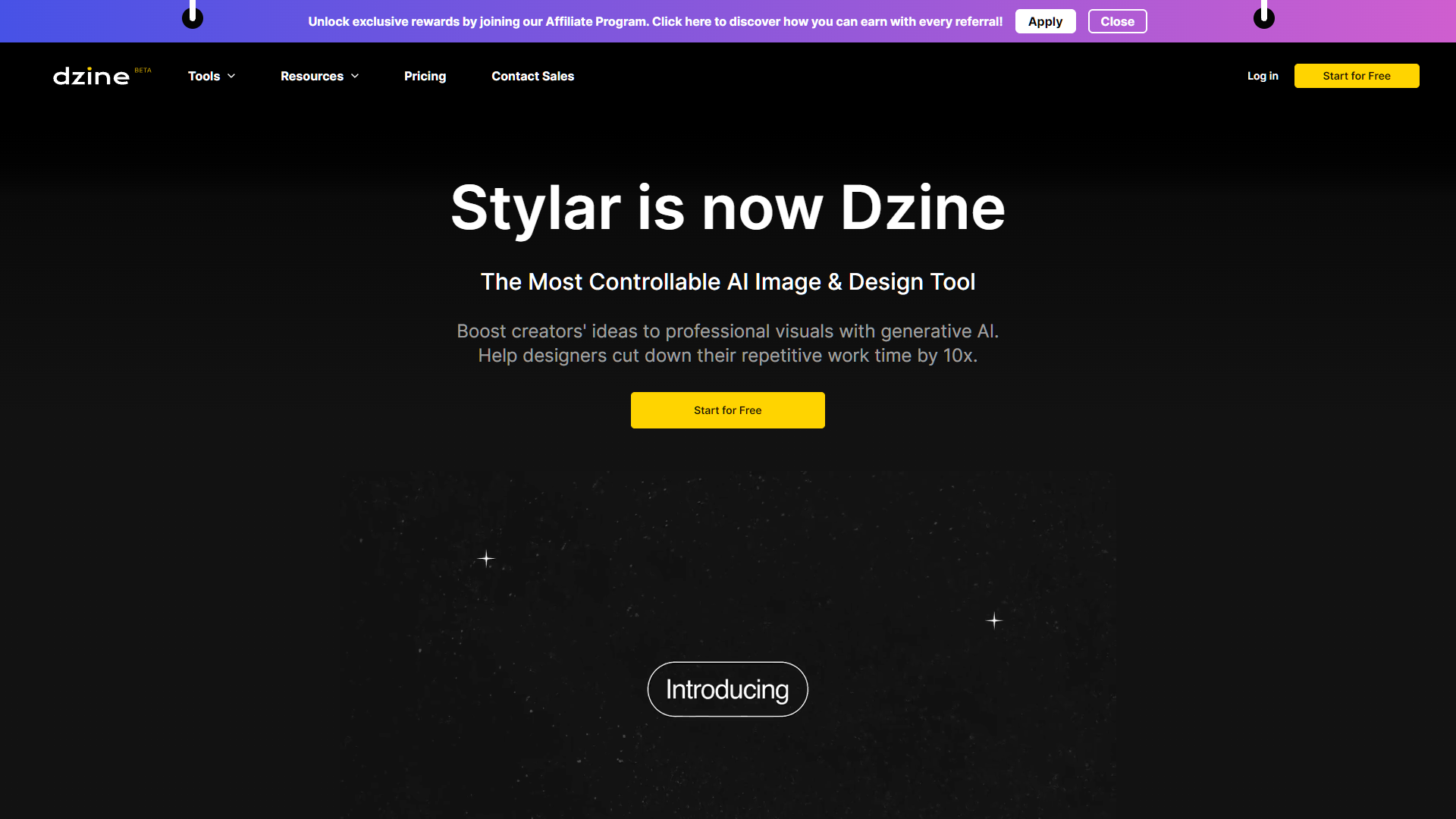
Dzine, previously known as Stylar, is a cutting-edge AI image editor designed to revolutionize the way creators approach design projects. This platform offers an array of advanced features including AI photo filters, image combination, generative fill, and object and background removal. Users can effortlessly convert sketches into detailed artworks, create images from textual descriptions, and apply sophisticated text effects to enhance visual content.
A key highlight of Dzine is its capability to produce consistent characters, which is particularly beneficial for developers in the animation and gaming sectors. This feature streamlines the creative process, significantly reducing the time and effort required to develop unique and engaging designs. Dzine is not only powerful but also user-friendly, incorporating a simple layer system that accommodates both novices and professional designers.
The integration of GPT technology allows for seamless generation of prompts, facilitating efficient image-to-image transformations. Dzine also supports a vibrant community through social media and online platforms, where users can exchange ideas, receive feedback, and participate in creative contests. Offering both free and premium subscription options, Dzine is an invaluable tool for anyone looking to enhance their design capabilities and bring imaginative concepts to fruition.
Key features
Generative fill
Utilizes advanced AI to seamlessly fill in or replace parts of images, perfect for complex editing and creative compositions.
Object and background removal
Offers precise tools to easily remove unwanted objects or backgrounds, enhancing focus on the main subject.
AI photo filters
Transform photos with unique, AI-powered filters that adapt intelligently to the content of the image for optimal enhancement.
Text effects and generation
Incorporates dynamic text effects and the ability to generate artistic text, facilitating creative and professional layouts.
Image-to-image transformation
Employs GPT technology for sophisticated image transformations, ideal for creating variations and conceptual visuals.
Community and support
Provides a platform for users to engage, share designs, receive feedback, and participate in creative contests across various social channels.
Pros & Cons
Pros
- Real-time collaboration
- Advanced layer management
- Custom brush tools
- Smart resizing
- Enhanced color correction
Cons
- Steep learning curve
- Limited manual control
- Resource intensive
- Over-reliance on AI
- Compatibility issues
Alternative Ai Graphic Design tools


FAQ
Here are some frequently asked questions about Dzine.
Dzine is an AI image editor with enhanced features like AI photo filters, image combination, and object removal, offering more advanced capabilities than Stylar.
Dzine produces consistent characters, streamlining the creative process and reducing the time needed to develop unique designs for games and animations.
You can join the Dzine community through various social media platforms and online forums where users exchange ideas, receive feedback, and participate in contests.
Yes, Dzine can generate images from text descriptions, allowing users to bring their imaginative concepts to life with ease.
Yes, Dzine can transform simple sketches into detailed artworks using its advanced AI-driven tools, making it ideal for artists and designers.
Dzine offers both free and premium subscription options, catering to different user needs and preferences for accessing its advanced design features.
GPT technology in Dzine facilitates prompt generation for efficient image-to-image transformations, enhancing the creative workflow.
The layer system in Dzine is designed to be simple yet effective, accommodating both novice and professional designers by allowing easy manipulation and organization of design elements.


