
Avigilon Unity
Avigilon Unity is a powerful security and surveillance solution.
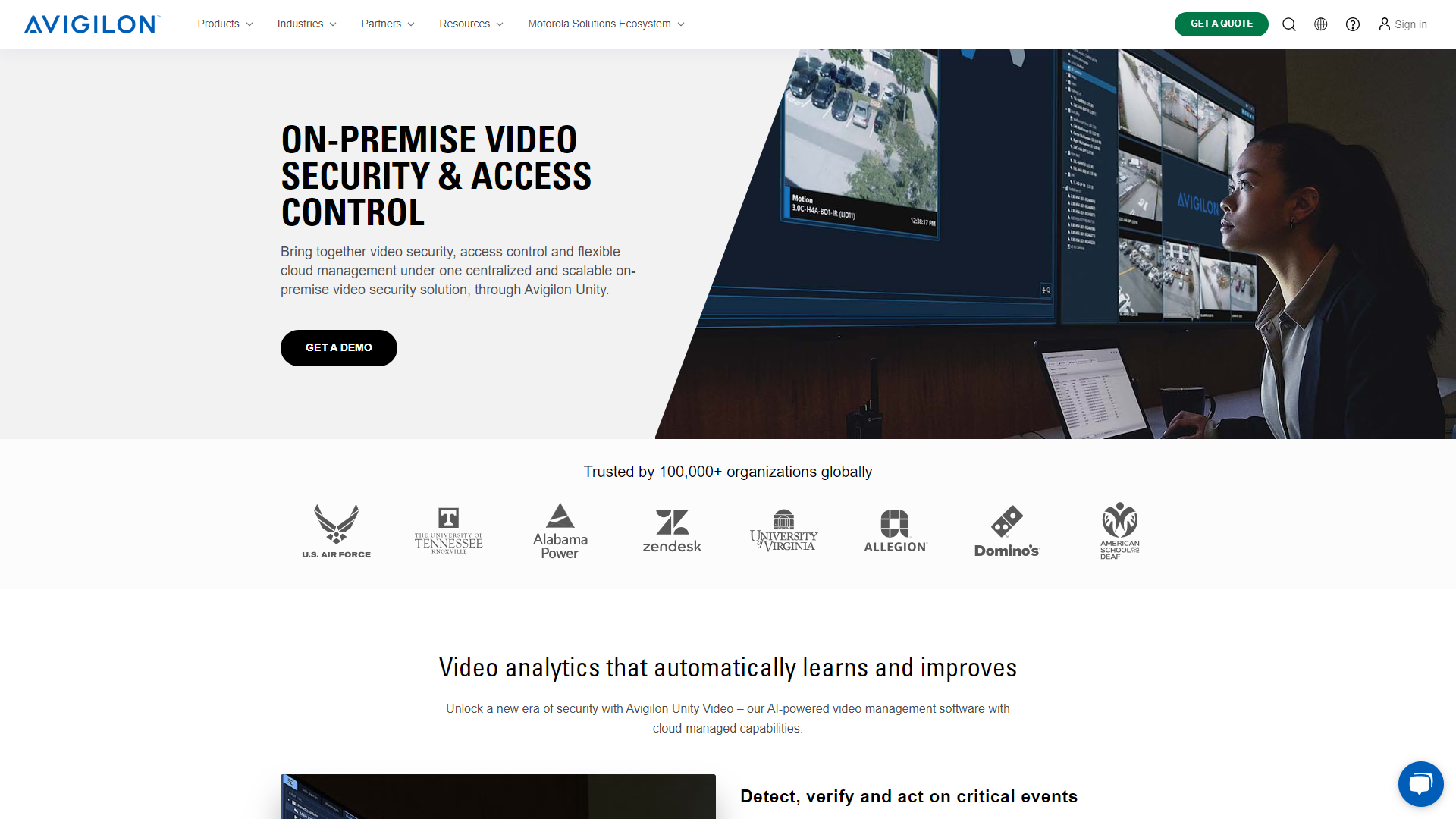
Overview
Avigilon Unity is designed to provide advanced surveillance and monitoring capabilities. It integrates smart video analytics, allowing users to keep an eye on their environment effectively. With a focus on user-friendly interfaces and efficiency, it empowers organizations to enhance their security measures.
Key features
Scalable Architecture
Avigilon Unity can grow with your needs, allowing you to add more cameras and devices as required.
Smart Search
It offers powerful search capabilities, enabling you to locate specific events or people quickly.
Cloud Integration
The system allows for cloud storage, making it easy to access footage anytime, anywhere.
Mobile Access
Avigilon Unity provides a mobile app, so you can monitor your premises on the go.
User-Friendly Interface
The dashboard is intuitive, making it accessible for users of all skill levels.
High-Definition Video Quality
The cameras capture clear and detailed images, improving visibility.
Advanced Analytics
Features like motion detection and people counting can enhance situational awareness.
Real-Time Alerts
The system sends alerts to your mobile device, keeping you informed about incidents as they happen.
Pros & Cons
Pros
- Comprehensive Security
- Easy to Use
- Remote Monitoring
- High-Quality Footage
- Robust Customer Support
Cons
- Cost
- Installation Complexity
- Dependence on Internet
- Learning Curve
- Limited Compatibility
Feature Ratings
Based on real user reviews, here's how users rate different features of this product.
User on/off Boarding
Users can request access to an application and be automatically provisioned if they meet policy requirements
Automates account/access rights creation, changes and removals for on-premise and cloud apps
Based on 10 Avigilon Unity reviews. Establish roles that create a set of authentication rights for each user in the role
Based on 10 reviewsEnables administrators to create access policies and applies policy controls throughout request and provisioning processes
Terminate access to multiple applications based on dates
Allow business stake-holders/managers to approve or reject requested changes to access via a defined workflow
User Maintenance
Enables users to reset passwords without administrator interaction. Enforces password policies when resetting.
Change users and permissions in bulk
Keep identity attributes consistent across applications whether the change is made in the provisioning system or the application
Governance
Alerts administrators when inappropriate access occurs
Proactively audits access rights against policies
Administration
Standard and customized report creation to ensure appropriate access rights have been assigned
Provides mobile application that alerts administrators of potential issues and allows administrators manage access rights
Support for wide variety of cloud and on premise apps to automate provisioning for existing and new applications procured
Provides appropriate application interfaces to enable custom integrations for unique business requirements
Data
Enable users to protect their data from potential outside attacks.
Allow users to control access to their information from a central point.
Allow users to implement policies for controlling access to their business's infrastructure.
Network
Secure access to your network for both guests and internal users
Scale network visibility to whatever your businesss requires.
Audit your network's assets.
Logistics
Enable users to implement various processes.
Ability to block unwanted outside access.
Track all IoT assets.
Setup
Provides a fully managed system that you can set and forget.
Gives users a system that is compatible with existing cameras.
Allows for integrations with other systems (e.g. access control, POS).
Automatically load-balances resources between all your network video recorders (NVRs).
Video Intelligence
Gives the ability to quickly isolate relevant footage.
Detect objects in video.
Create workflows with video footage.
Access
Provides adequate storage for video footage.
Create alerts based on motion, noise, etc.
Easily access your video footage from any device, anywhere.
Allows for different levels of permissions based on user type.
Provides a dashboards users can use to view video footage.
Provides users with analytics of video footage.
Securely share the video with whoever needs to see it.
Rating Distribution
User Reviews
View all reviews on G2Overall simple product to use and reliable
What do you like best about Avigilon Unity?
The website has a lot of information about the brand and the products that Unity provide. Additionally it provides documentation as well as resources for both existing and new customers who are interested in using the products.
The system is easy to set up and use.
What do you dislike about Avigilon Unity?
Take in customer suggestions on what potential features that customers are hoping to have in the products. There may be some frustrations with the survillence due to the lack of certain features.
What problems is Avigilon Unity solving and how is that benefiting you?
Video surveillance around work enviornment to provide security footage.
User friendly with great features!
What do you like best about Avigilon Unity?
Very user-friendly client. Nice features that allow for complex video searching. When I train my soc operators, my rule is we no longer watch hours of unnecessary video but use one of the many search features available and should find what we need in under...
Reliable, expandable, and a little clunky
What do you like best about Avigilon Unity?
Simple to use, once set up, and reliable.
What do you dislike about Avigilon Unity?
Set-up and interface are a little clunky.
What problems is Avigilon Unity solving and how is that benefiting you?
This provides easy management of users for building acce...
Powerful On-Prem VMS With An Associated Cloud Solution - ACS
What do you like best about Avigilon Unity?
Friendly and intuitive UI, tabbed views, auto-login capability (caching of credentials), configurable inactivity auto-logout timer per user account, granular user/group permissions, and tons of other features make this one of the best VMS (Video Management...
Robust features and user-friendly
What do you like best about Avigilon Unity?
I used ACC based on a client operation. ACC has many features that allow get video and integrate video analytics from Avigilon cameras or third-party ones. ACC includes the availability to replicate complex rules for alarms that are used in several real-li...
Company Information
Alternative Video Surveillance tools


FAQ
Here are some frequently asked questions about Avigilon Unity.
Avigilon Unity is a security solution designed for monitoring and surveillance.
It offers advanced features like real-time alerts and smart analytics to improve awareness.
Yes, there is a mobile app for monitoring from anywhere.
It is suitable for various environments, including businesses, schools, and public spaces.
While it can be installed by users, professional help may be recommended for better setup.
Yes, Avigilon Unity supports cloud storage for easy access to recorded footage.
The system provides high-definition video quality for clear and detailed recordings.
There may be subscription fees for cloud services and additional features.


