
AUTOMATIC1111
Web-based interface for AI-driven image generation.
Overview
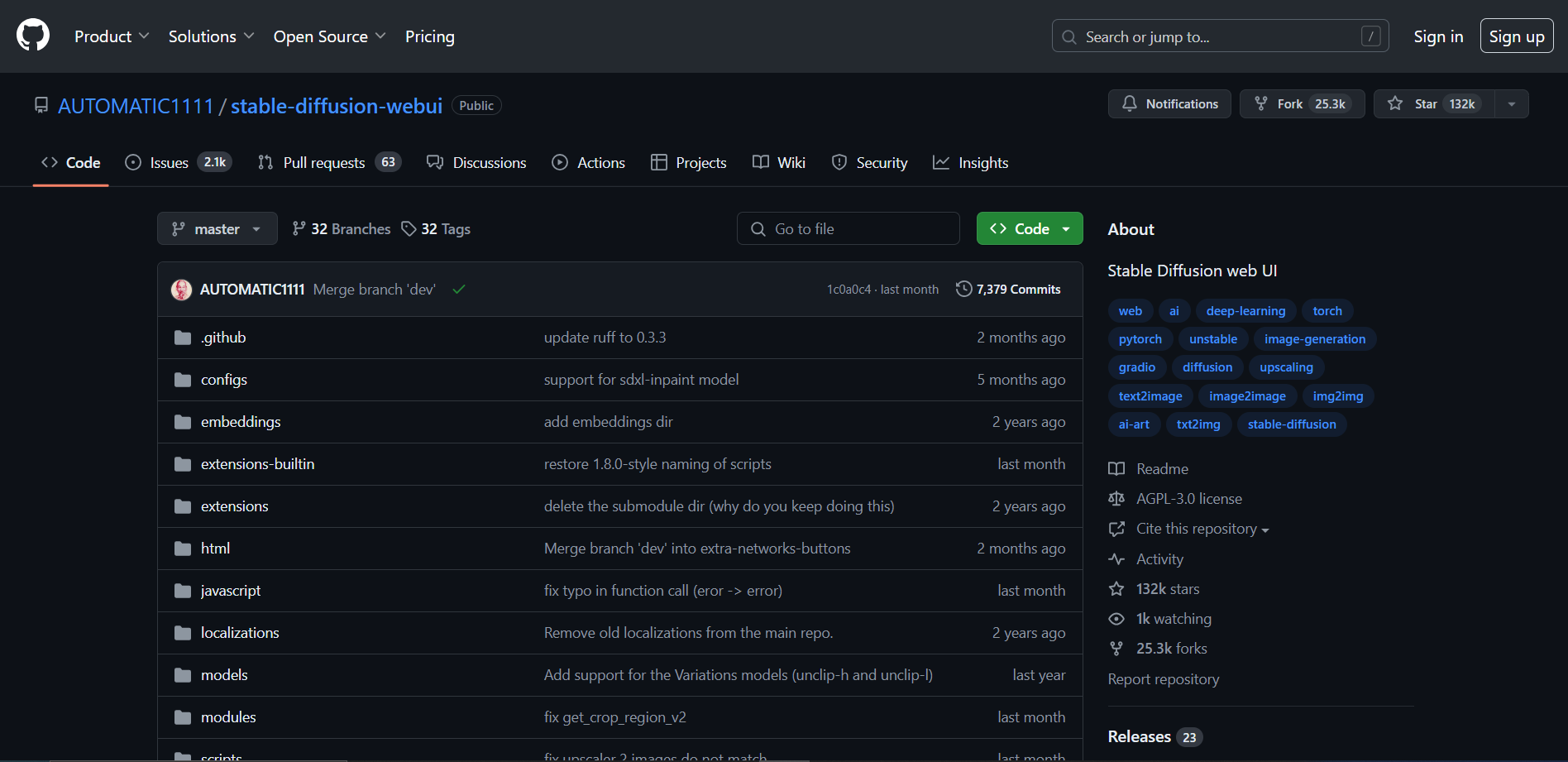
The tool "Stable Diffusion WebUI" by AUTOMATIC1111 is a user-friendly interface designed to harness the capabilities of the Stable Diffusion model, a state-of-the-art text-to-image generation model. This open-source project simplifies the process of generating high-quality images from textual descriptions, making advanced AI accessible to a broader audience without the need for extensive technical expertise.
Stable Diffusion WebUI is built to run locally on a user's machine, ensuring privacy and control over the image generation process. It supports various features that enhance user experience, including customizable prompts, image upscaling, and the ability to fine-tune image styles and details. The tool also integrates seamlessly with multiple models, allowing users to experiment with different artistic styles and outputs.
This interface is particularly valuable for artists, designers, and creatives who seek to explore new avenues of visual expression through AI. It provides a platform for experimenting with digital art, offering users the tools to create unique and compelling images based on textual input. The community-driven aspect of the project encourages ongoing development and feature enhancements, making it a dynamic and evolving tool for creative exploration.
Key features
Intuitive user interface
Provides a clean and easy-to-navigate interface, making digital art creation accessible for users of all skill levels.
Advanced image generation
Utilizes state-of-the-art machine learning models to generate high-quality images from textual descriptions.
Real-time previews
Offers the ability to preview images as they are being generated, allowing for immediate adjustments and refinements.
Customizable settings
Includes various adjustable parameters to control the style, detail, and content of the generated images.
Batch processing capability
Supports processing multiple image requests simultaneously, significantly speeding up the workflow.
Community-driven development
Actively developed by a community of contributors, ensuring regular updates and new features.
Pros & Cons
Pros
- Extensive format support
- Plugin integration
- Robust scalability
- Interactive tutorials
- Active user forums
Cons
- Steep learning curve
- Resource intensive
- Limited support
- Compatibility issues
- Update inconsistencies
Alternative Ai Image Generator tools


FAQ
Here are some frequently asked questions about AUTOMATIC1111.
AUTOMATIC1111 is a tool designed for generating and manipulating images using AI-driven techniques, specifically tailored for creating variations and enhancements of digital artworks.
AUTOMATIC1111 is primarily designed to run on Windows, but with proper setup and dependencies, it can also be run on Linux and macOS.
While AUTOMATIC1111 itself can run offline, an internet connection may be required for downloading the tool and any updates or dependencies.
Support for AUTOMATIC1111 can typically be sought through its GitHub issues page, where users can report bugs or seek help from the community and the developers.
To install AUTOMATIC1111, you typically need to download the software from its official GitHub repository, follow the installation instructions provided there, which may involve setting up Python and other dependencies.
Yes, AUTOMATIC1111 is open-source and free to use. Users can download, modify, and distribute the software without any cost.
AUTOMATIC1111 supports various AI models, primarily focusing on models for image generation and manipulation, such as VQGAN+CLIP and others that are compatible with its framework.
Yes, there are tutorials available on the GitHub repository of AUTOMATIC1111 and sometimes in community forums or YouTube, which can help new users understand how to effectively use the tool for their projects.


