
Airbrush AI
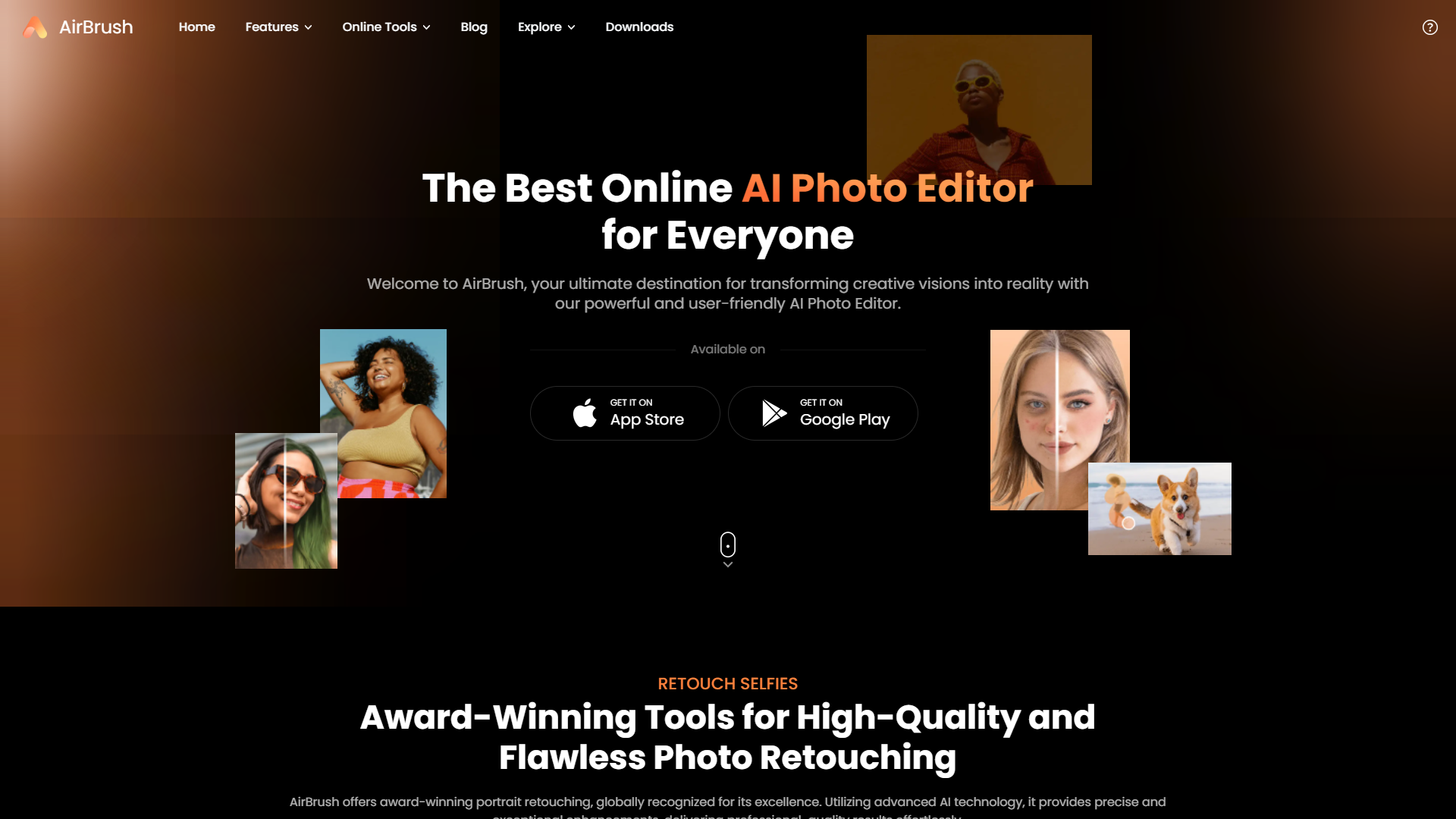
Airbrush is an innovative AI-powered photo editing app designed to help users create stunning and flawless images effortlessly. The app offers a wide range of advanced editing tools that cater to both professional photographers and casual users. With its user-friendly interface, Airbrush makes it easy to enhance photos, remove imperfections, and apply artistic effects in just a few taps. One of Airbrush's standout features is its real-time editing capability, allowing users to see changes instantly as they make adjustments. The app includes powerful tools for retouching, such as blemish removal, teeth whitening, and skin smoothing, ensuring that every photo looks perfect. Additionally, Airbrush offers a variety of filters and effects to add a creative touch to your images. Airbrush is also equipped with advanced background removal and replacement features, enabling users to isolate subjects and place them in new environments seamlessly. The app supports high-resolution editing, ensuring that the quality of the photos is maintained even after extensive edits. Ideal for social media enthusiasts, influencers, and professional photographers, Airbrush provides a comprehensive suite of tools to transform ordinary photos into extraordinary ones. Whether you're enhancing your selfies or creating professional-grade images, Airbrush delivers high-quality results with minimal effort.
Overview
Airbrush is an innovative AI-powered photo editing app designed to help users create stunning and flawless images effortlessly. The app offers a wide range of advanced editing tools that cater to both professional photographers and casual users. With its user-friendly interface, Airbrush makes it easy to enhance photos, remove imperfections, and apply artistic effects in just a few taps.
One of Airbrush's standout features is its real-time editing capability, allowing users to see changes instantly as they make adjustments. The app includes powerful tools for retouching, such as blemish removal, teeth whitening, and skin smoothing, ensuring that every photo looks perfect. Additionally, Airbrush offers a variety of filters and effects to add a creative touch to your images.
Airbrush is also equipped with advanced background removal and replacement features, enabling users to isolate subjects and place them in new environments seamlessly. The app supports high-resolution editing, ensuring that the quality of the photos is maintained even after extensive edits.
Ideal for social media enthusiasts, influencers, and professional photographers, Airbrush provides a comprehensive suite of tools to transform ordinary photos into extraordinary ones. Whether you're enhancing your selfies or creating professional-grade images, Airbrush delivers high-quality results with minimal effort.
Pricing
| Plan | Price | Description |
|---|---|---|
| Free | $0.00 20 Credits Per Month | Get 20 credits every month to generate art and images using AI |
| Unlimited | $9.00 999999 Credits Per Month | Get unlimited credits every month to generate art and images using AI |
Key features
Real-time editing
Instantly enhance and retouch your photos with user-friendly tools and filters.
Advanced skin retouching
Smoothens and rejuvenates skin while maintaining a natural look in your photographs.
Background customization
Easily change or blur the background of your images to focus on the subject.
Beauty filters and effects
Apply a variety of beauty effects to improve facial features and overall aesthetics.
Teeth whitening and eye brightening
Quickly whiten teeth and brighten eyes to enhance portraits with simple sliders.
Seamless sharing options
Share your edited photos directly to social media platforms from within the app.
Pros & Cons
Pros
- Layer editing capabilities
- AI photo enhancement
- Custom filter creation
- Batch processing
- Cloud integration
Cons
- Steep learning curve
- Limited free features
- Resource intensive
- Compatibility issues
- Occasional bugs
Rating Distribution
Screenshots
User Reviews
View all reviews on G2AI Image Creation Tool
What do you like best about Airbrush AI?
The image upscaler is really helpful for upscaling grainy images that I am sometimes sent and have to try and improve them. I have a client that sends really low res images and they were unusable without upscaling them on Airbrush so I can turn them into usable photos. I can then even change the aspect ratio and crop specific areas, which has been a godsend for me.
The Prompt Templates serve as a helpful reminder of how to structure an image generation prompt, not just for Airbrush but for other image generators as well.
The Create Blog Cover feature makes it easy to copy and paste my blog content into the dialog box and generate a variety of images. I can then choose one as a featured image or leading image, streamlining my workflow.
What do you dislike about Airbrush AI?
I do not really have anything I would consider as a downside. I have a lot of apps and I sometimes forgert that I have airbrush, but I certinly would not consider that as a negative against the app! More a downside for me, because I forget about it!
What problems is Airbrush AI solving and how is that benefiting you?
Upscaling otherwise useless and unusable images that a client sends. Making image generation easy and fast, creating cover images for blog posts on the fly.
AI Creation Tools That Will Rock Your World!
What do you like best about Airbrush AI?
Mind-blowing variety of tools: From text-to-image generators to AI-powered photo editing and animation, AirBrush has it all.
Stunning results: I've created incredible images I never thought I could make myself.
User-friendly: Even a technophobe like me can ea...
Impressive!
What do you like best about Airbrush AI?
It is user-friendly and super fast. It is amazing to see my mental images so accurately depicted based on the description provided. Gone are the days of modifying stock images to create exactly what I need. Airbrush AI is saving me a lot of time.
What do you...
Photo Editing App with AI effects
What do you like best about Airbrush AI?
The App offers Direct and easy to understand layout with all the available options for editing. Unlike some app that allows editing of only photos this allows for the editing of videos too.
The AI does a pretty good job with converting the image sinario. Lik...
Unleash creativity like never before with an AI Image Generator
What do you like best about Airbrush AI?
The AI Image Generator represents a sophisticated blend of art and technology. This cutting-edge tool uses artificial intelligence algorithms to create completely new images based on user-defined parameters. From generating unique designs for websites and dig...
Company Information
Alternative Ai Image Upscale tools


FAQ
Here are some frequently asked questions about Airbrush AI.
Airbrush is a tool used for editing photos, allowing users to retouch and enhance images directly from their web browser or mobile device.
Yes, Airbrush has specific features designed to remove blemishes, spots, and other skin imperfections to improve the appearance of portraits and selfies.
After editing your photo in Airbrush, you can save it directly to your device or cloud storage by using the save or export options provided within the tool.
Yes, Airbrush provides tutorials and guides on their website and within the app to help users understand and utilize the various editing tools and features effectively.
Airbrush offers both free and premium versions. The free version includes basic editing features, while the premium version provides more advanced tools and options.
No, Airbrush is primarily designed for individual photo edits and does not currently support batch editing.
Yes, Airbrush is available as an app for both Android and iOS devices, allowing users to edit photos on the go.
Airbrush takes user privacy and data security seriously, implementing various measures to protect personal information and ensure that user data is handled securely.


