
DreamShaper
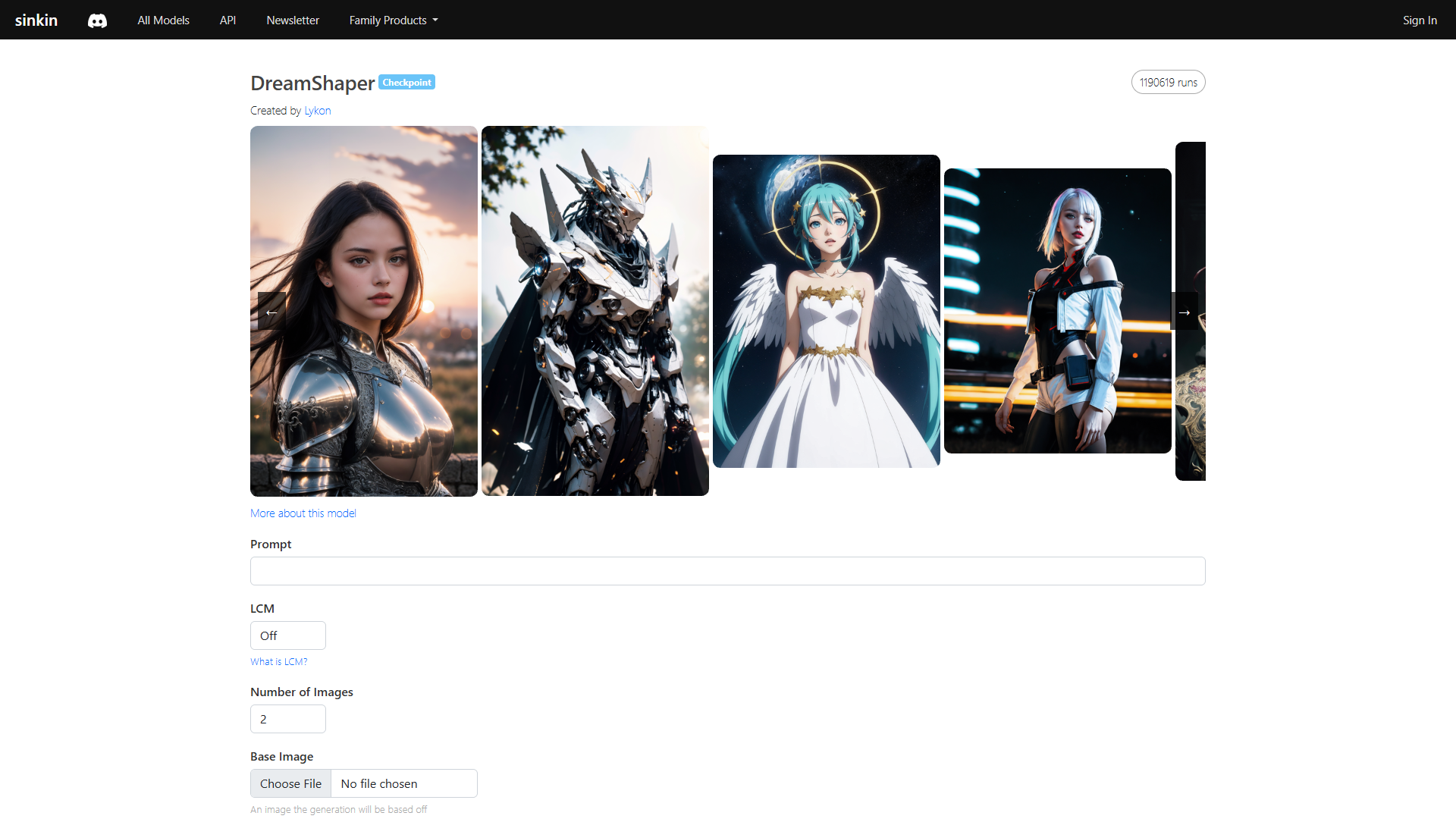
DreamShaper is a powerful AI-driven tool focused on enhancing and upscaling images with precision and style. It provides users with a range of upscaling options, including Hi-Res and ESRGAN, which allow for maximizing image detail or applying smoothening effects. DreamShaper allows users to easily apply various styles, enhance detail, adjust strength, and refine the image. The tool is designed to suit both novice users and professionals, offering seamless control over image parameters such as scale, strength, and even the type and intensity of styles like LoRA for creative enhancements. This versatility ensures users can achieve their desired artistic expression or maintain consistent image quality effortlessly. DreamShaper's user-friendly interface and robust functionalities make it an ideal choice for those seeking to experiment with AI image enhancements, whether for personal projects or professional use. Its impressive capabilities align with the needs of photographers, designers, and digital artists alike, making it a reliable asset in achieving superior image quality and creative flair.
Overview
DreamShaper is a powerful AI-driven tool focused on enhancing and upscaling images with precision and style. It provides users with a range of upscaling options, including Hi-Res and ESRGAN, which allow for maximizing image detail or applying smoothening effects. DreamShaper allows users to easily apply various styles, enhance detail, adjust strength, and refine the image. The tool is designed to suit both novice users and professionals, offering seamless control over image parameters such as scale, strength, and even the type and intensity of styles like LoRA for creative enhancements. This versatility ensures users can achieve their desired artistic expression or maintain consistent image quality effortlessly. DreamShaper's user-friendly interface and robust functionalities make it an ideal choice for those seeking to experiment with AI image enhancements, whether for personal projects or professional use. Its impressive capabilities align with the needs of photographers, designers, and digital artists alike, making it a reliable asset in achieving superior image quality and creative flair.
Key features
Customizable scaling
Provides diverse upscaling options such as Hi-Res and ESRGAN, allowing users to choose between highly detailed or more nuanced smoothing effects according to their preference and image requirements.
User-friendly design
DreamShaper features an intuitive interface, ensuring that users of any skill level can navigate its functionalities effortlessly, adding to its accessibility and ease of use.
Creative style choices
Enables the application of various artistic styles, enhancing images with unique attributes while allowing users to tailor their final output in line with specific aesthetic goals.
High precision detail
Offers nuanced control over image attributes like strength and style intensity, ensuring users can enhance image details sharply and with precision.
Advanced model uses
Integrates sophisticated features such as ControlNet and LoRA, which facilitate refined image transformation and greater effect control, enhancing overall results.
Pros & Cons
Pros
- High adaptability
- Professional-grade outputs
- Effective detail refinement
- Close community feedback
Cons
- Resource-intensive operations
- No comprehensive tutorials
- Dependency on internet
- Advanced feature overload
Alternative Ai Image Upscale tools


FAQ
Here are some frequently asked questions about DreamShaper.
DreamShaper utilizes AI-powered upscaling to refine image details, offering features like Hi-Res and ESRGAN scaling for different levels of smoothness and detail enhancement. Users can choose settings based on their desired output, ensuring precision and quality in every image.
Absolutely. DreamShaper is designed with an intuitive interface that is accessible to users at all experience levels. It offers user-friendly navigation and support features to ensure ease of use for novices and professionals alike.
While DreamShaper performs best on systems with good computational power, it is optimized to work efficiently on standard hardware. However, more demanding tasks, like high-resolution upscaling, may require robust hardware.
There are basic guides available to get users started, but DreamShaper currently lacks comprehensive tutorials for all advanced features. Users are encouraged to explore functionality to fully realize the tool's potential.
Yes, DreamShaper offers a free plan that provides users with introductory credits upon signing up. This allows users to experience the tool's capabilities before opting for monthly subscription tiers with additional credits.
DreamShaper allows users to apply various artistic styles, which transform the image's aesthetic quality by adjusting details and tones. Styles like LoRA can add dramatic effects while maintaining the image's core integrity.
ControlNet and LoRA are advanced features that add extra layers of control and creativity to image processing. ControlNet enhances structural adherence while LoRA allows the application of additional stylistic elements over the base model.
No, DreamShaper requires an internet connection for optimal functionality and access to all its features. This dependency ensures that users can utilize the latest updates and enhancements seamlessly.


