
Bigjpg
AI-powered image enlargement with enhanced quality.
Overview
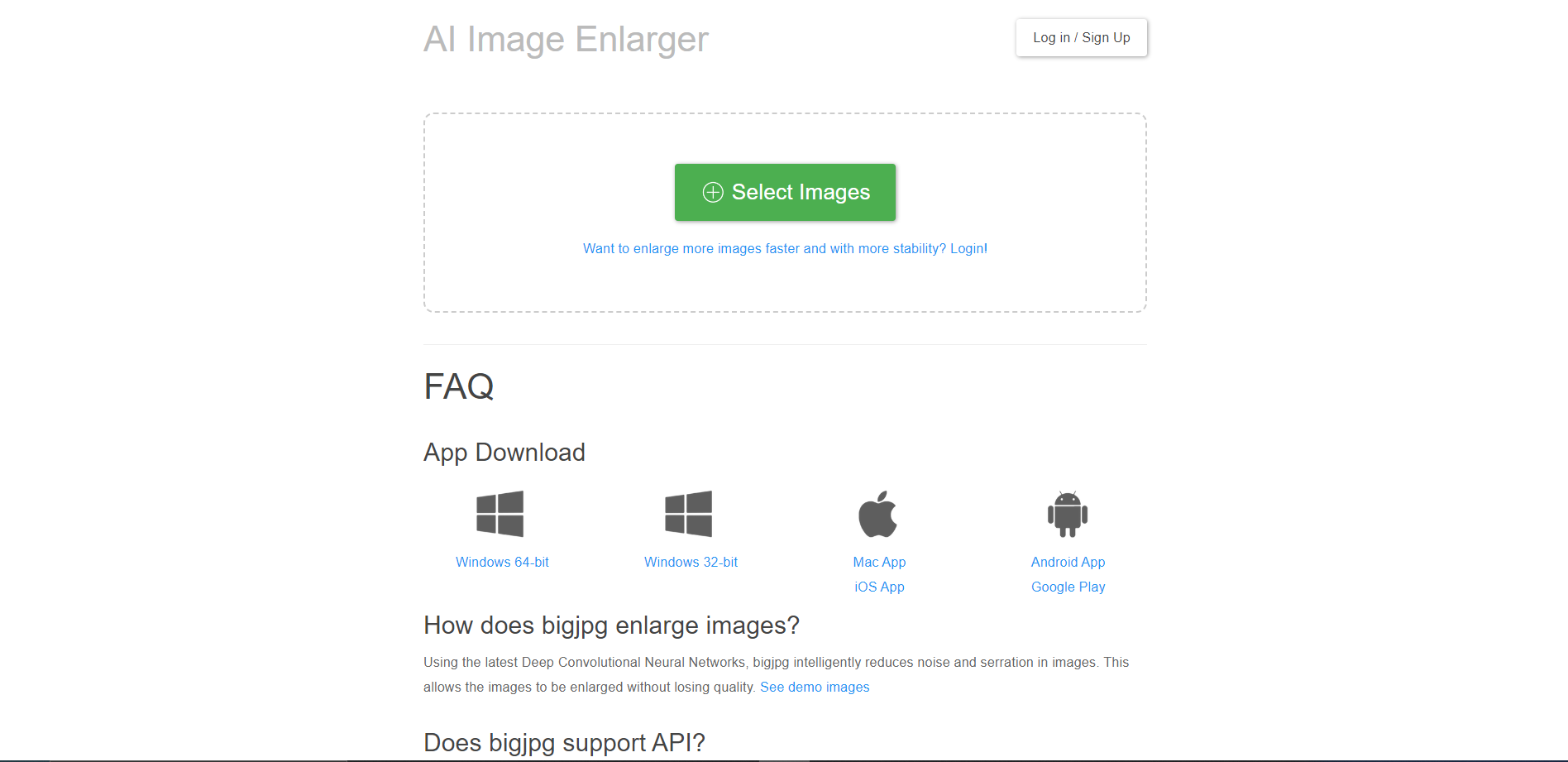
Bigjpg is an advanced AI-powered image enlargement tool designed to help users enhance the resolution of their images without compromising on quality. This tool utilizes deep learning algorithms to intelligently upscale images by up to 16 times their original size. Unlike traditional image enlargers that often produce blurry enlargements, Bigjpg sharpens and defines details, ensuring that the enlarged images retain clarity and color fidelity.
The interface of Bigjpg is user-friendly, making it accessible for both professionals and amateurs alike. Users simply need to upload their desired image, select the enlargement factor, and let the tool do the rest. The process is efficient and the results are delivered quickly, depending on the size and complexity of the image.
Bigjpg is particularly useful for photographers, graphic designers, and digital artists who frequently need to increase the size of an image without losing detail. Whether it's for printing large banners, enhancing web graphics, or improving the quality of old photos, Bigjpg provides a reliable solution for high-quality image scaling. This tool stands out by offering a seamless blend of simplicity and powerful performance, making it a go-to choice for image enlargement needs.
Key features
AI-powered upscaling
Utilizes deep learning techniques to enhance image resolution without losing quality.
Batch processing
Supports uploading and processing multiple images simultaneously for efficiency.
Customizable settings
Offers options to adjust the level of sharpness, noise reduction, and quality of the output.
Support for various formats
Compatible with major image formats including JPG, PNG, and BMP.
Real-time previews
Provides a preview feature to compare the original and enhanced images before downloading.
No registration required
Allows users to upscale images without the need to create an account.
Pros & Cons
Pros
- Cloud-based service
- Automatic enhancements
- Secure processing
- API integration
- Continuous updates
Cons
- Limited free usage
- Slow processing times
- No batch processing
- Internet dependency
- Privacy concerns
Alternative Ai Image Upscale tools


FAQ
Here are some frequently asked questions about Bigjpg.
Bigjpg is an AI-powered image enlarging tool that enhances the resolution of images without losing quality. It uses deep learning techniques to analyze and upscale images, making them clearer and sharper.
Bigjpg primarily supports popular image formats such as JPG and PNG. For other formats, you might need to convert them to a supported format before uploading.
Bigjpg typically does not store images indefinitely. Processed images are usually available for download for a limited time after which they are deleted from the servers. Check their privacy policy for more details.
The maximum resolution to which Bigjpg can upscale an image depends on the original image's quality and dimensions as well as the chosen subscription plan. Detailed information is available on their website.
Yes, Bigjpg typically has a maximum file size limit for uploads, which can vary depending on whether you are using the free version or have a subscription. Check their website for the latest limits.
The processing time can vary depending on the server load and the size of the image. Larger images or higher upscale factors may take longer to process.
Yes, images processed with Bigjpg can generally be used for commercial purposes, but it's always a good idea to review their terms of service to ensure compliance with their usage policies.
Yes, Bigjpg provides a feature for batch processing, allowing users to upload and enhance multiple images at once. This feature is particularly useful for users who need to process large numbers of images efficiently.


