
Img UpScaler
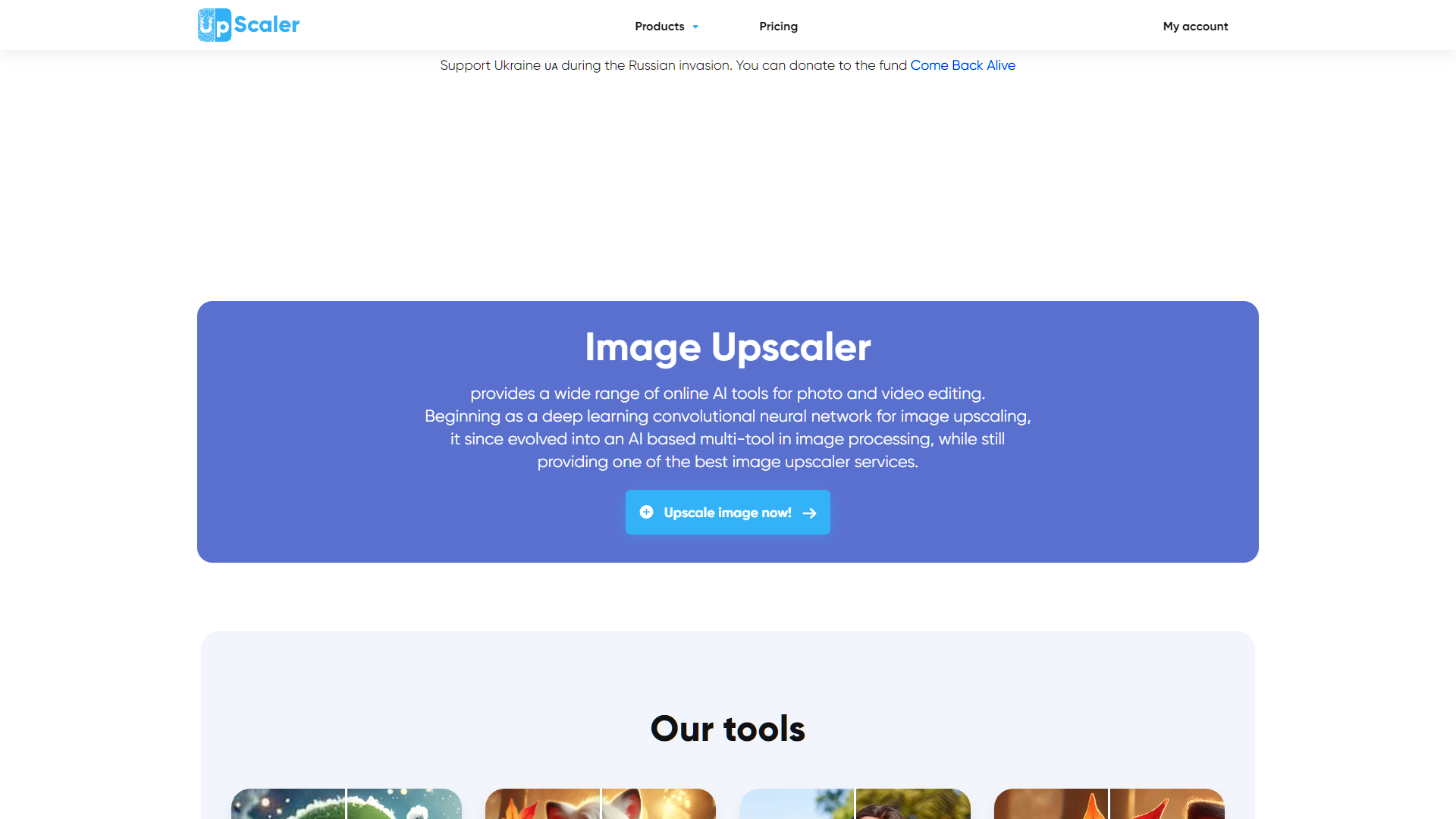
ImageUpscaler is an innovative online tool designed to enhance the resolution and quality of digital images using advanced AI technology. This tool is particularly useful for photographers, graphic designers, and anyone looking to improve the clarity and detail of their images without compromising on quality. ImageUpscaler is adept at upscaling images by increasing their pixel density, which makes the images sharper and clearer, especially when they are enlarged. The process of using ImageUpscaler is straightforward. Users simply upload their low-resolution images to the platform, and the tool automatically processes the images using its AI algorithms. These algorithms analyze the image data and intelligently fill in details that are typically lost in lower-resolution images. The result is a higher-resolution image that maintains the integrity of the original colors and shapes but with significantly improved detail and quality. ImageUpscaler supports a variety of image formats, including JPG, PNG, and TIFF, making it a versatile tool for a wide range of applications. Whether you're looking to enhance old family photos, improve the quality of images for print, or refine digital art, ImageUpscaler provides a quick and effective solution to achieve high-quality, upscaled images with ease.
Overview
ImageUpscaler is an innovative online tool designed to enhance the resolution and quality of digital images using advanced AI technology. This tool is particularly useful for photographers, graphic designers, and anyone looking to improve the clarity and detail of their images without compromising on quality. ImageUpscaler is adept at upscaling images by increasing their pixel density, which makes the images sharper and clearer, especially when they are enlarged.
The process of using ImageUpscaler is straightforward. Users simply upload their low-resolution images to the platform, and the tool automatically processes the images using its AI algorithms. These algorithms analyze the image data and intelligently fill in details that are typically lost in lower-resolution images. The result is a higher-resolution image that maintains the integrity of the original colors and shapes but with significantly improved detail and quality.
ImageUpscaler supports a variety of image formats, including JPG, PNG, and TIFF, making it a versatile tool for a wide range of applications. Whether you're looking to enhance old family photos, improve the quality of images for print, or refine digital art, ImageUpscaler provides a quick and effective solution to achieve high-quality, upscaled images with ease.
Key features
Advanced AI upscaling
Utilizes sophisticated artificial intelligence algorithms to enhance image resolution without losing quality.
Batch processing capability
Allows users to upscale multiple images at once, saving time and effort for bulk tasks.
User-friendly interface
Designed for ease of use, enabling both beginners and professionals to navigate and operate efficiently.
Supports various formats
Compatible with a wide range of image formats including JPG, PNG, and TIFF.
No watermark addition
Upscales images without adding any watermark, maintaining the original appearance of the photos.
Free to use
Provides high-quality image upscaling services without any cost, making it accessible to everyone.
Pros & Cons
Pros
- Real-time previews
- Customizable settings
- Fast processing speeds
- Secure processing
- Cloud-based service
Cons
- Limited file formats
- Quality inconsistency
- Slow processing times
- No batch processing
- Internet dependency
Alternative Ai Image Upscale tools


FAQ
Here are some frequently asked questions about Img UpScaler.
Img UpScaler is an online tool that uses advanced algorithms to enhance and upscale images without losing quality. It analyzes the low-resolution images and intelligently increases their resolution while maintaining clarity and detail.
Img UpScaler supports most common image formats including JPEG, PNG, and BMP. However, there might be limitations on the file size or dimensions for optimal performance.
The processing time can vary depending on the original size and quality of the image as well as the server load at the time of processing. Typically, it takes a few seconds to a couple of minutes.
Yes, you can use Img UpScaler for commercial purposes, but it's advisable to review the terms of service to ensure compliance with usage policies, especially regarding the distribution of upscaled images.
Img UpScaler offers both free and premium services. The free version may have limitations on usage or features, while the premium version provides full access to all features and higher processing capabilities.
To upload images to Img UpScaler, simply visit the tool's website, and look for the upload section where you can either drag and drop your images or select them from your device storage.
Img UpScaler may temporarily store images for processing purposes. However, check the tool's privacy policy for details on how long images are kept and how they are handled.
If you're not satisfied with the results, you can try adjusting the settings if available, or contact customer support for assistance. They may be able to help optimize the image results or provide guidance on how to achieve better outcomes.


